Billboard and hoarding software for outdoor media companies
Run your outdoor media business in one place
OMMS is billboard and hoarding (OOH) management software. It keeps your sites, proposals, campaigns, GST invoices, collections, vendors, landlord rent and field crews in one system — with an app for your crews and a portal for your clients.
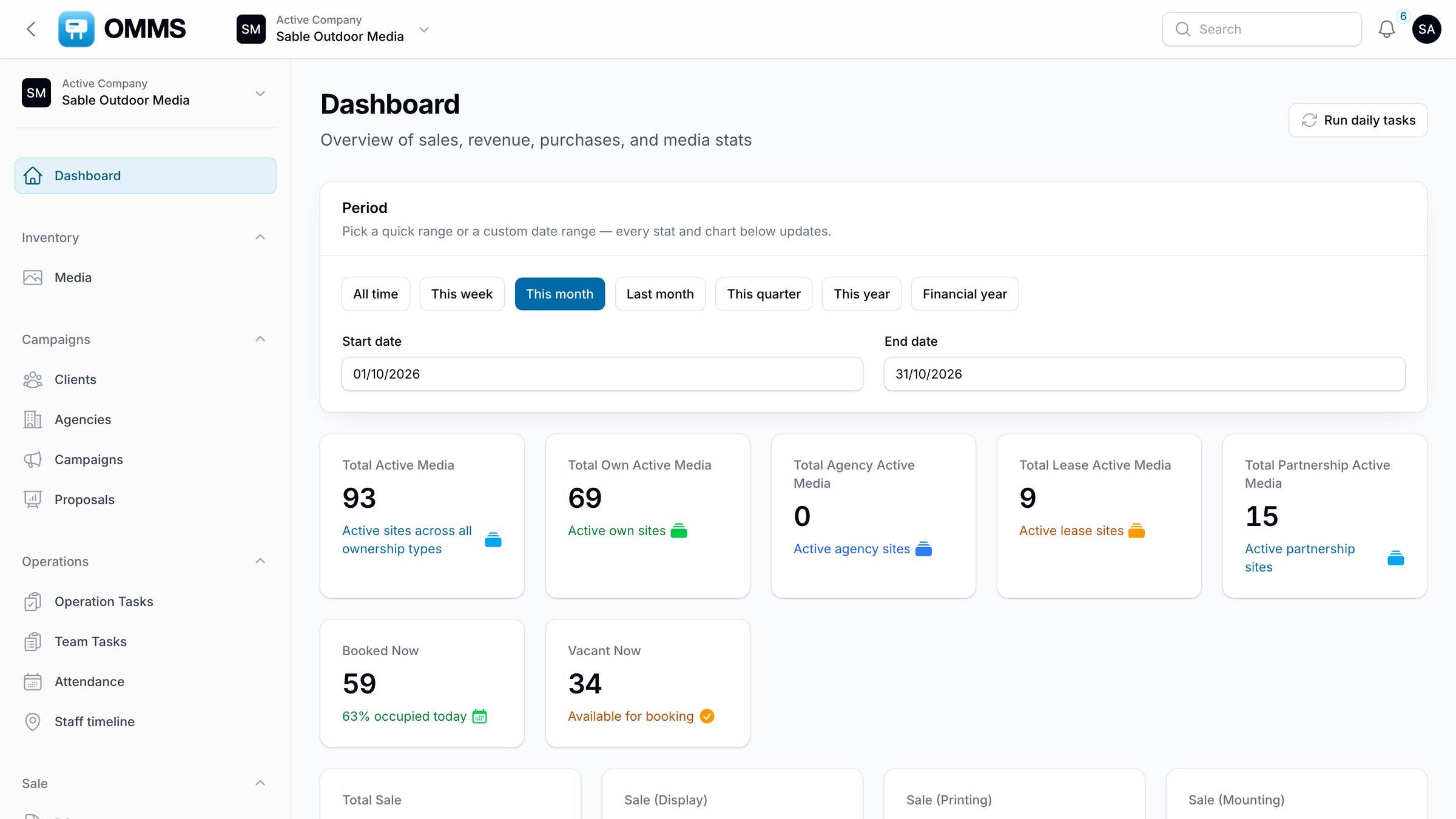
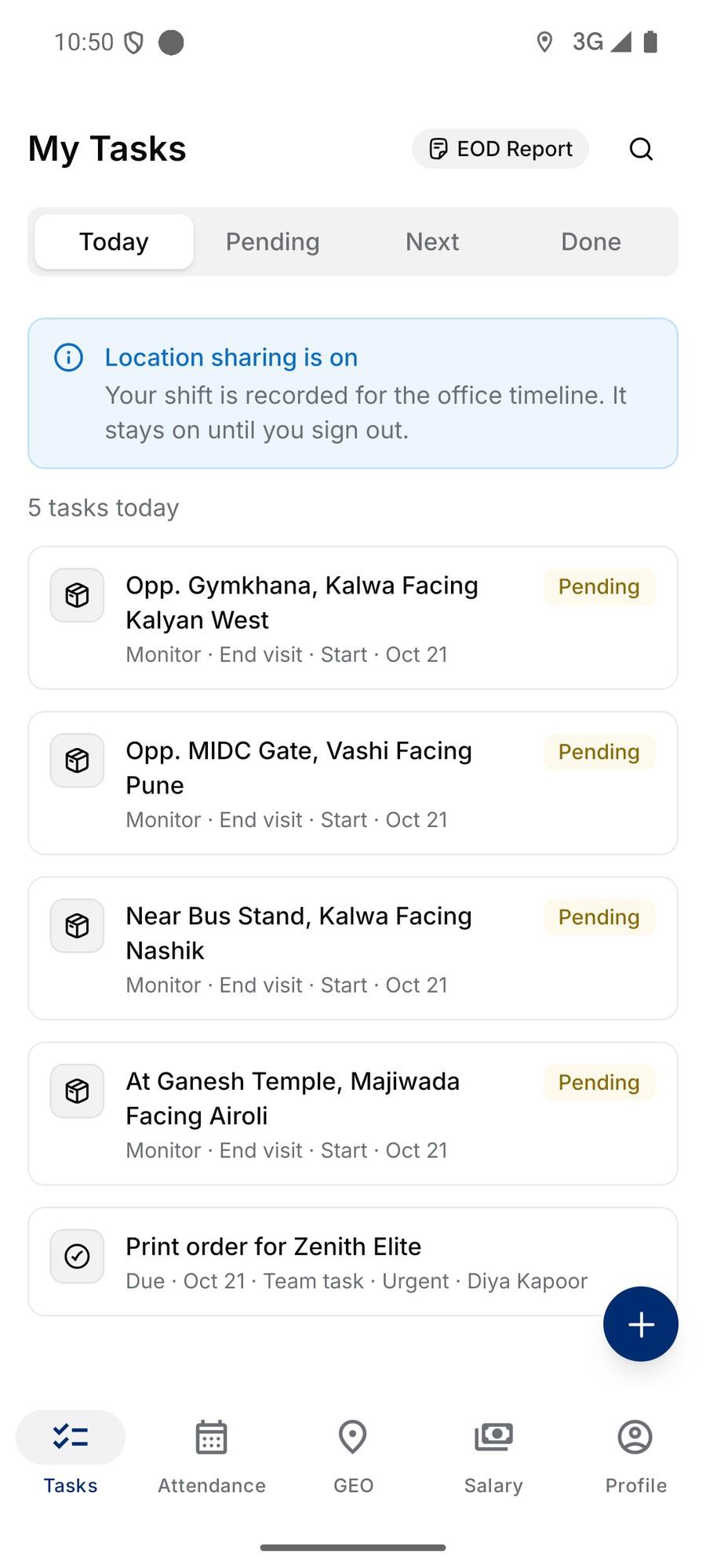
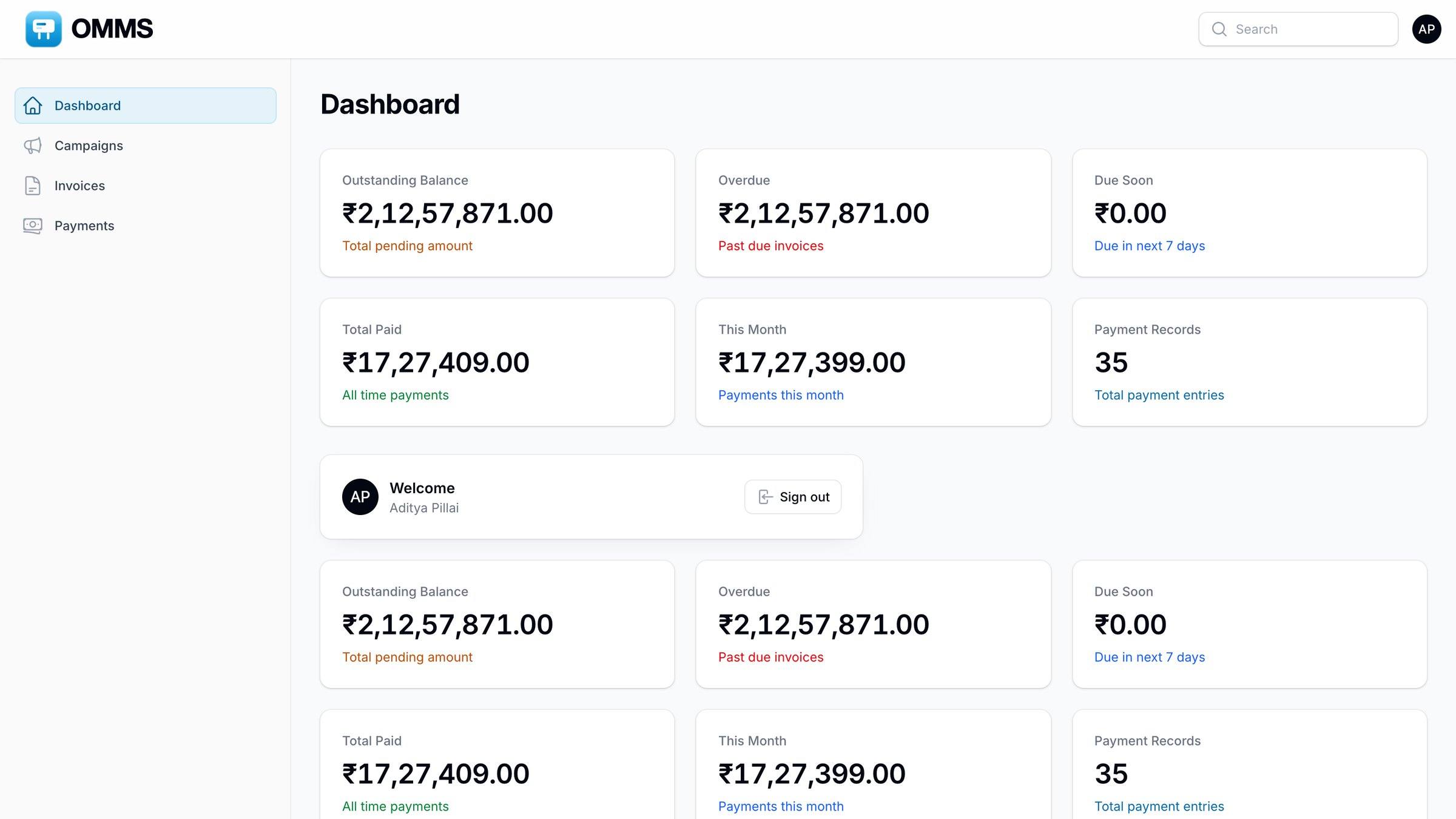
- OMMS · Dashboard
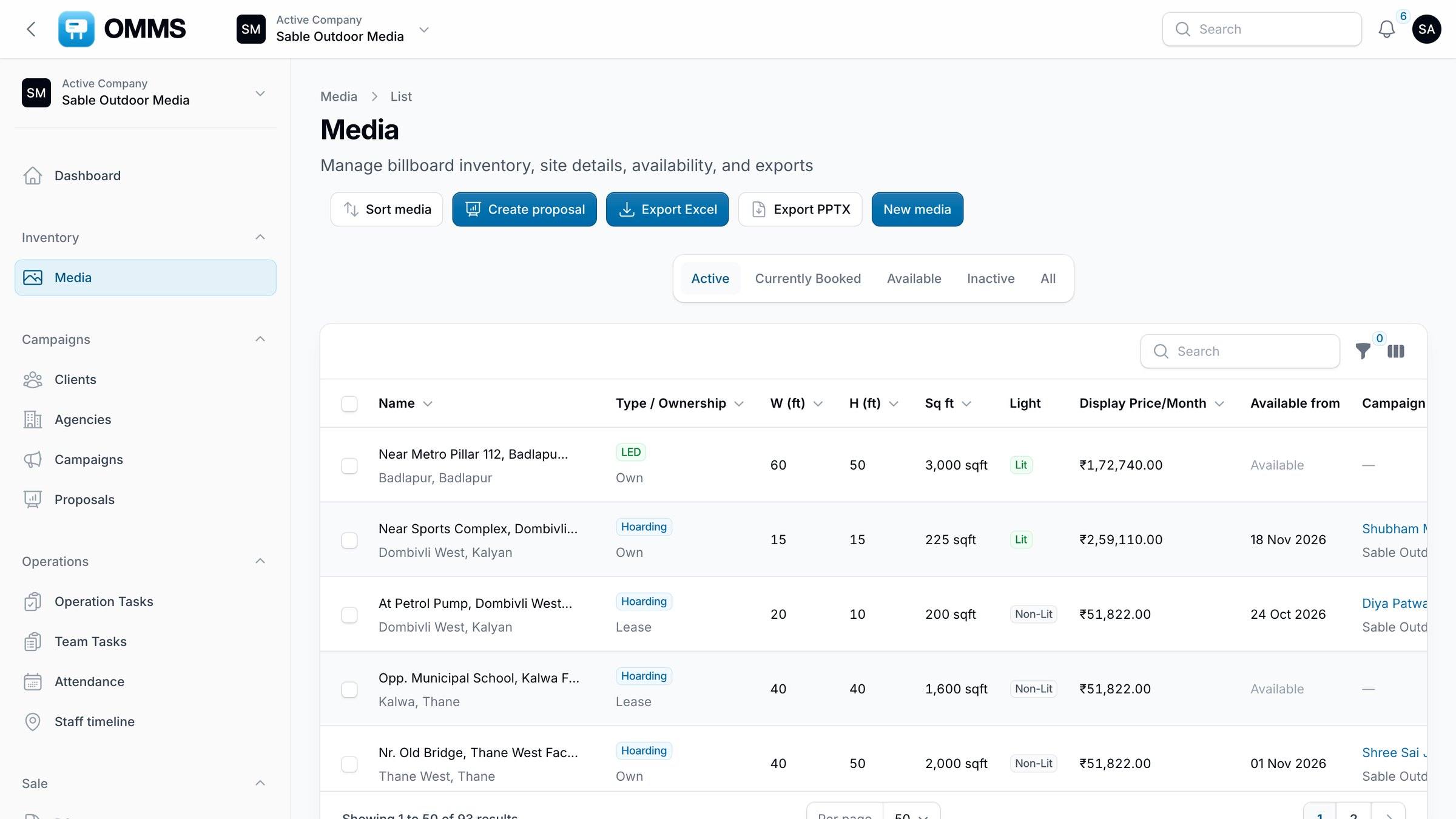
- OMMS · Media
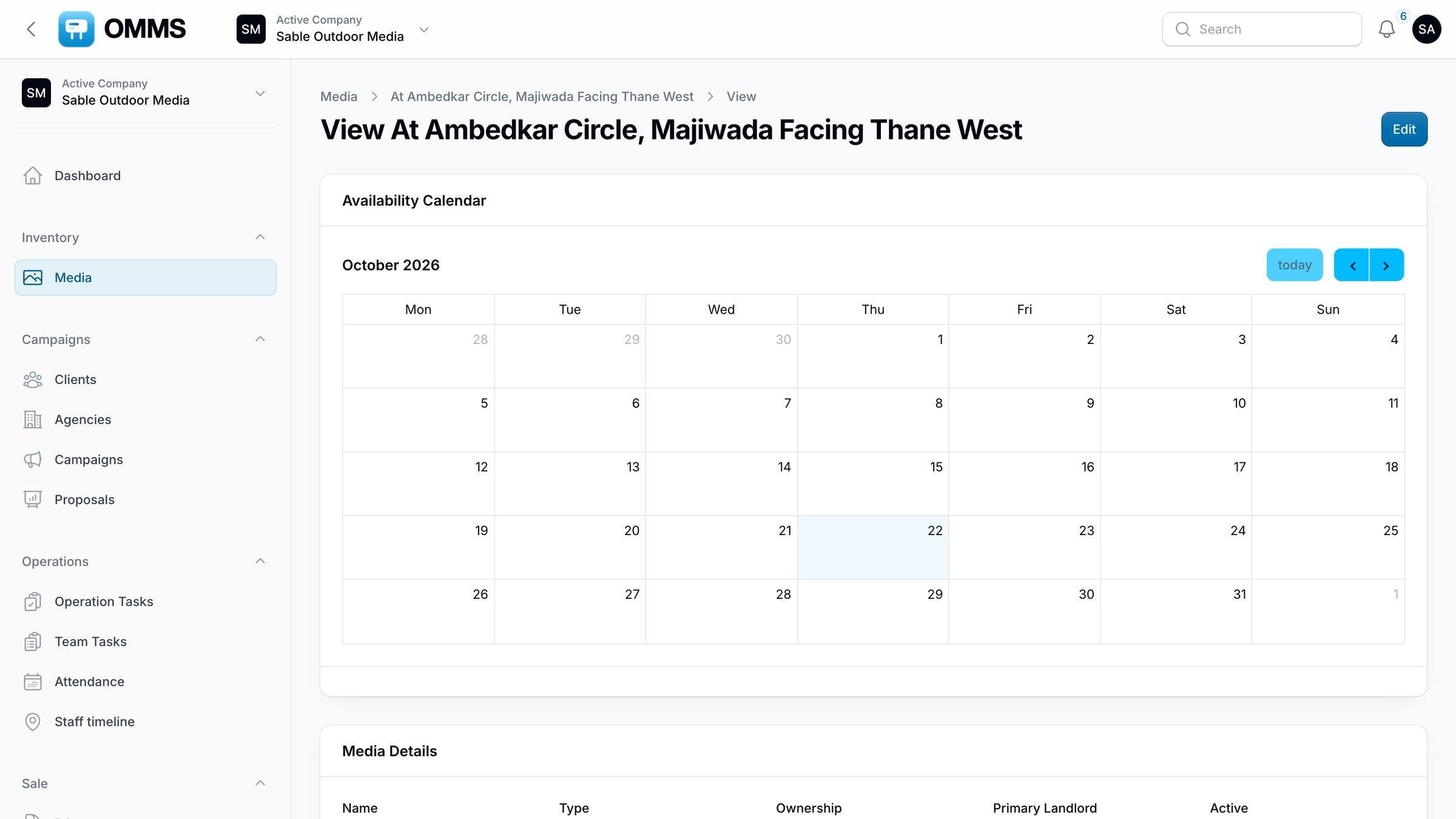
- OMMS · Availability
- OMMS · Campaigns
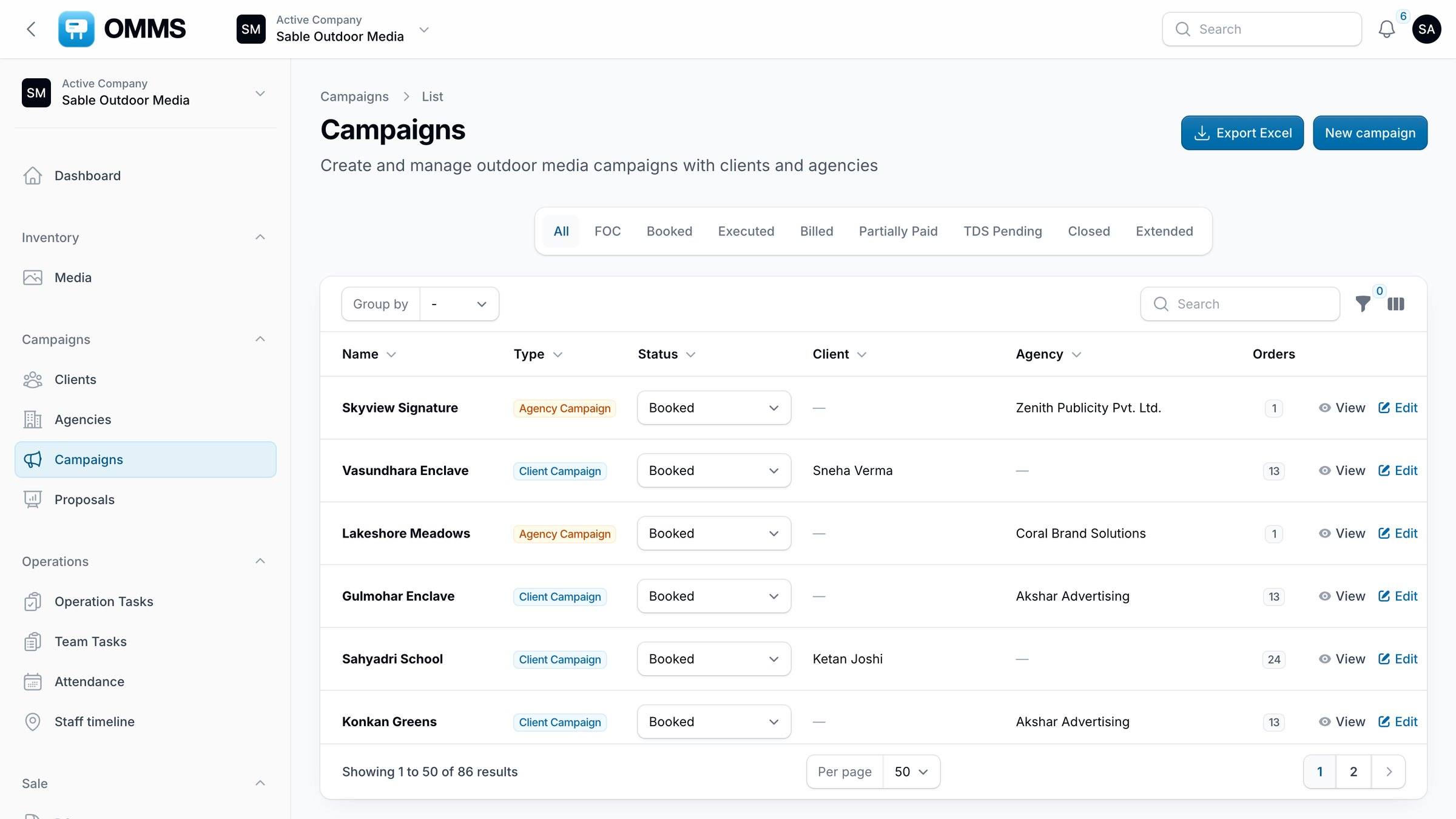
- OMMS · Campaign record
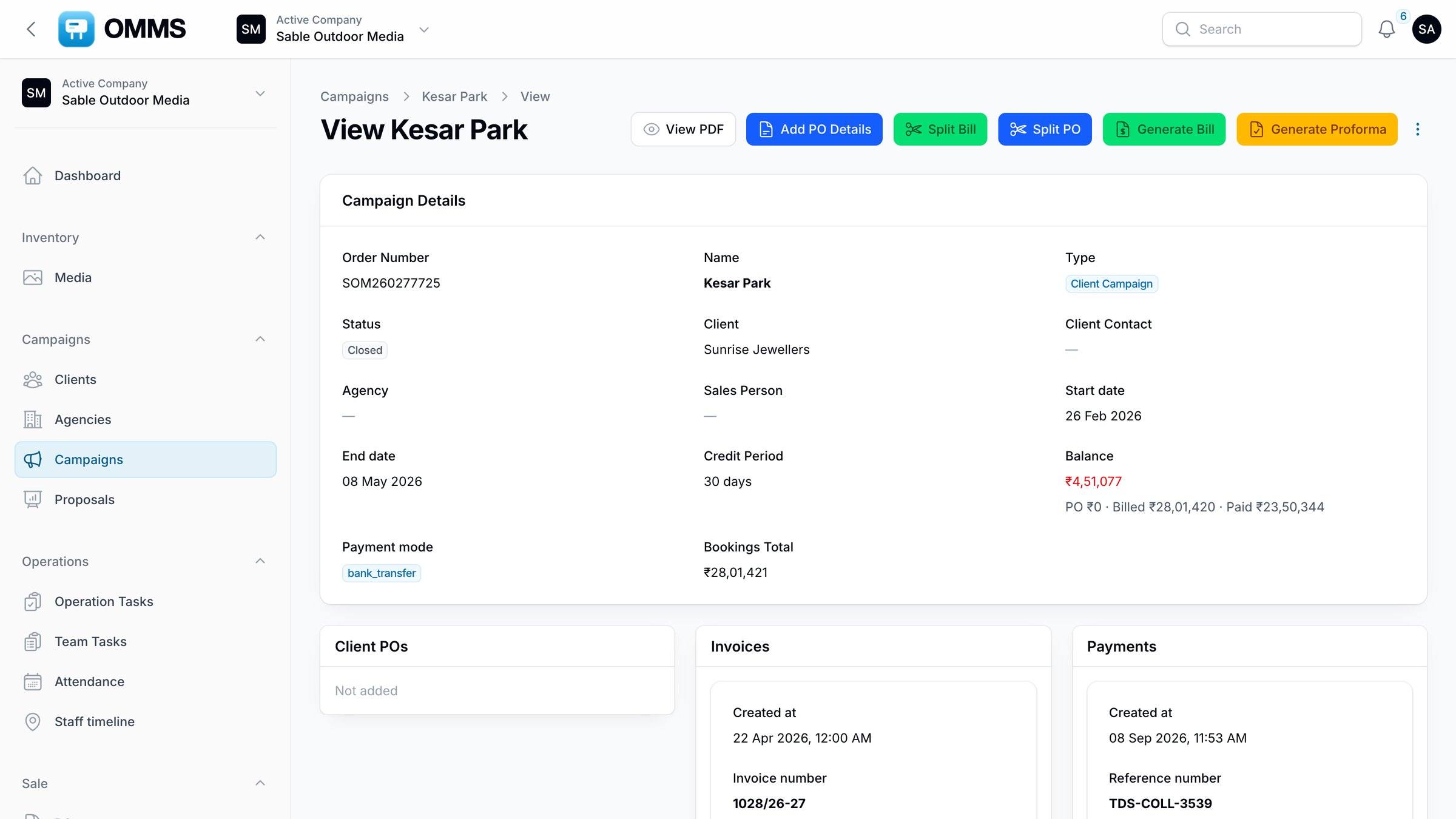
- OMMS · Proposals
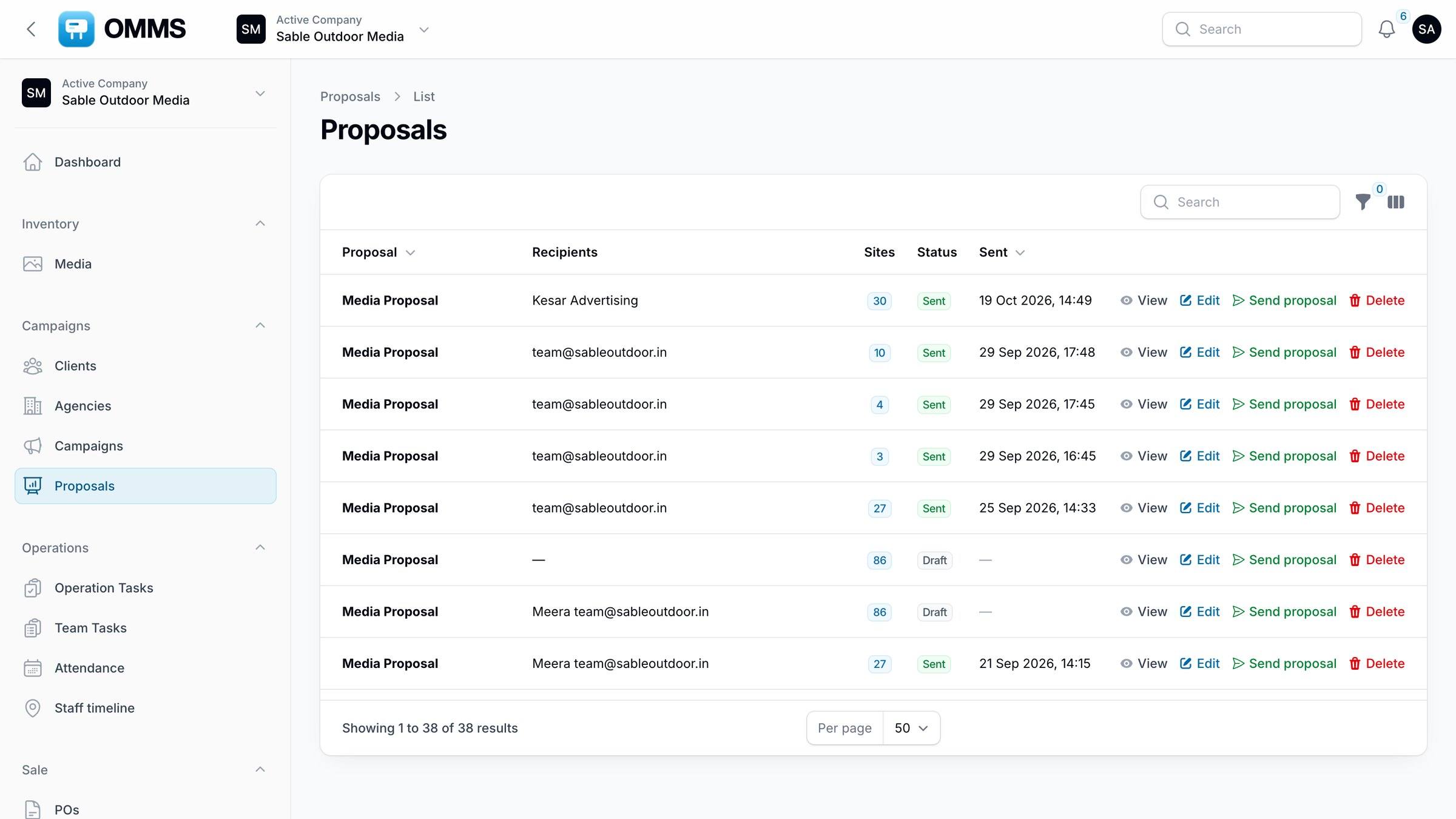
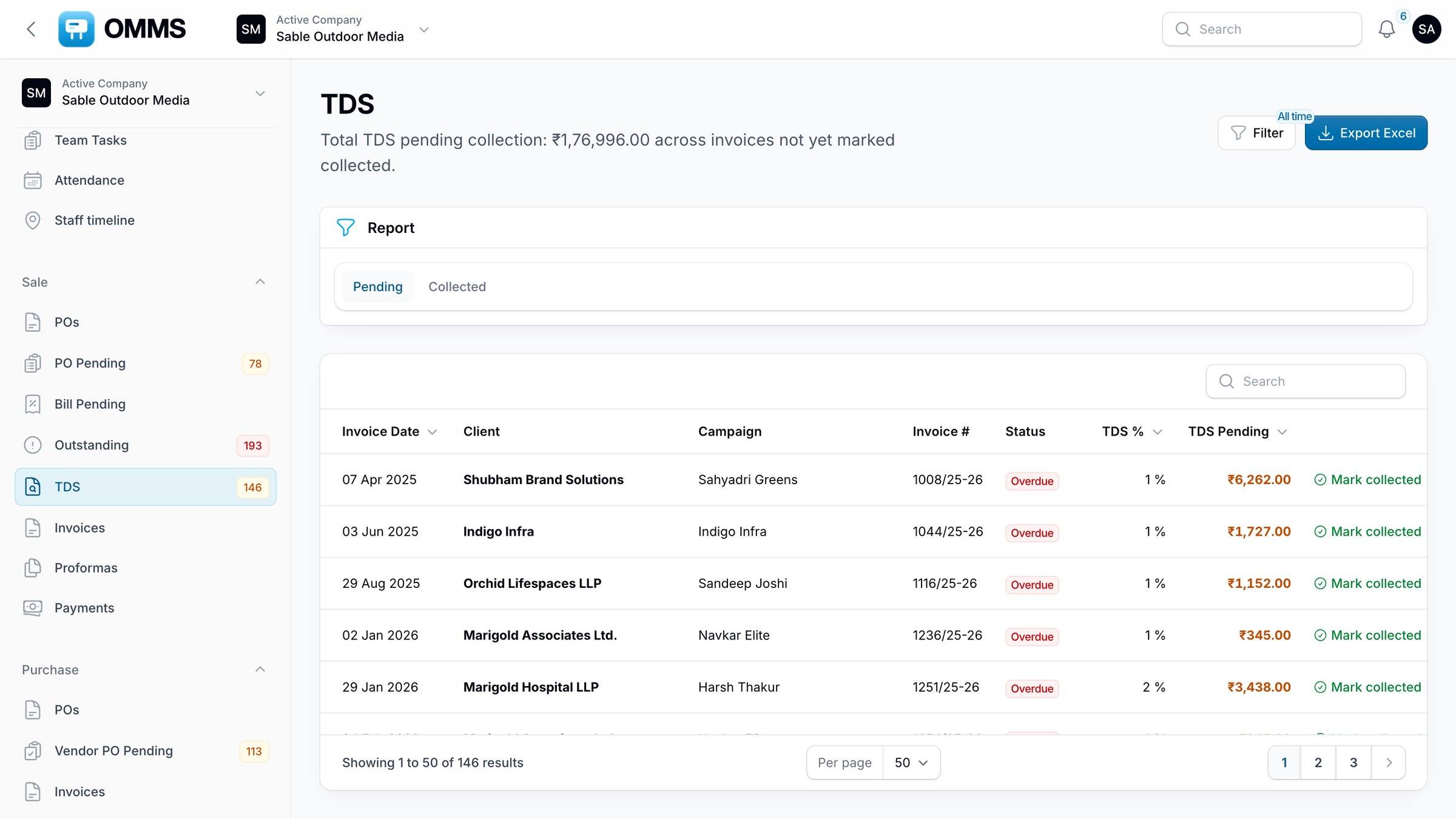
- OMMS · Invoices
- OMMS · GST invoice
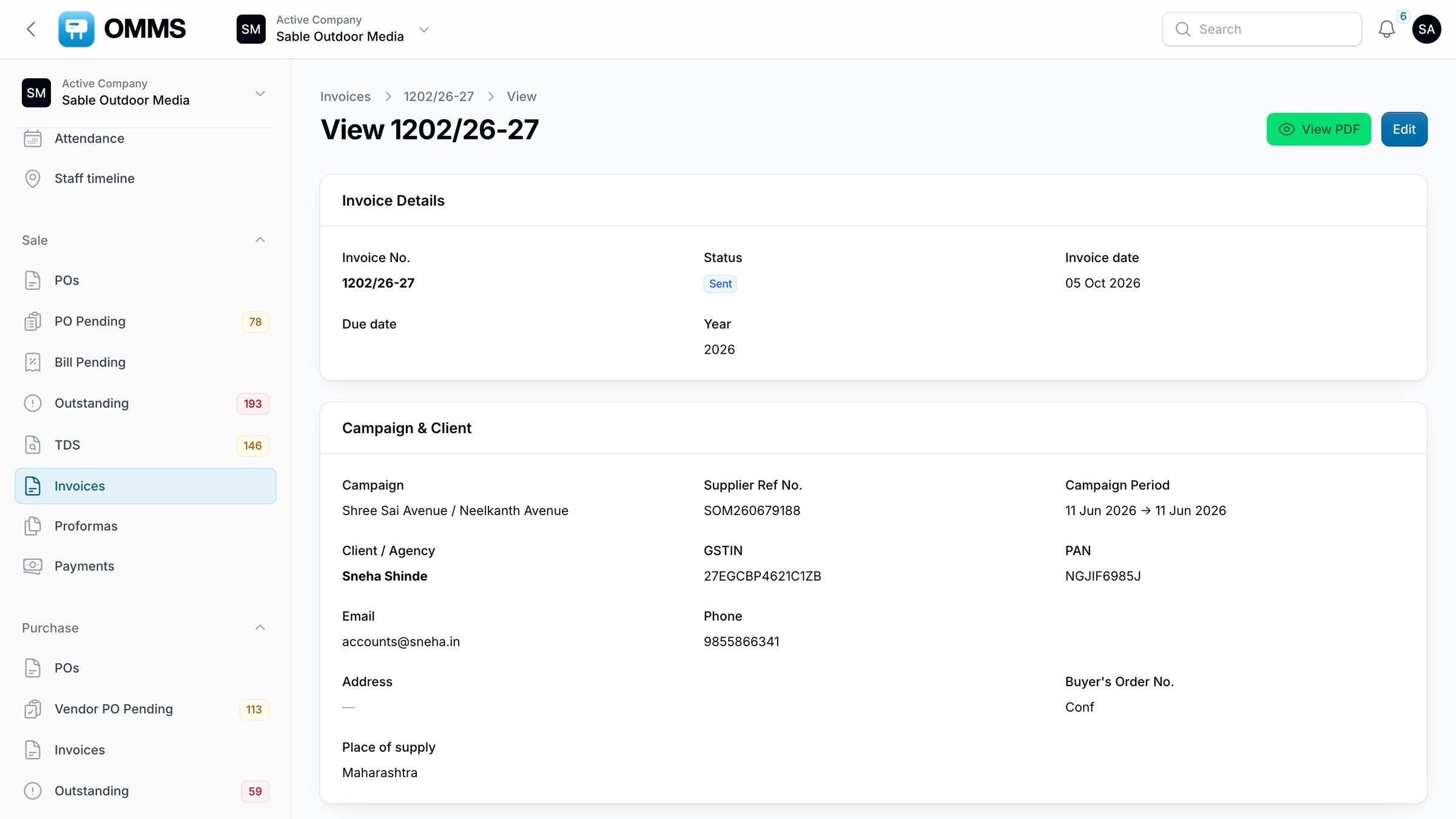
- OMMS · PO Pending
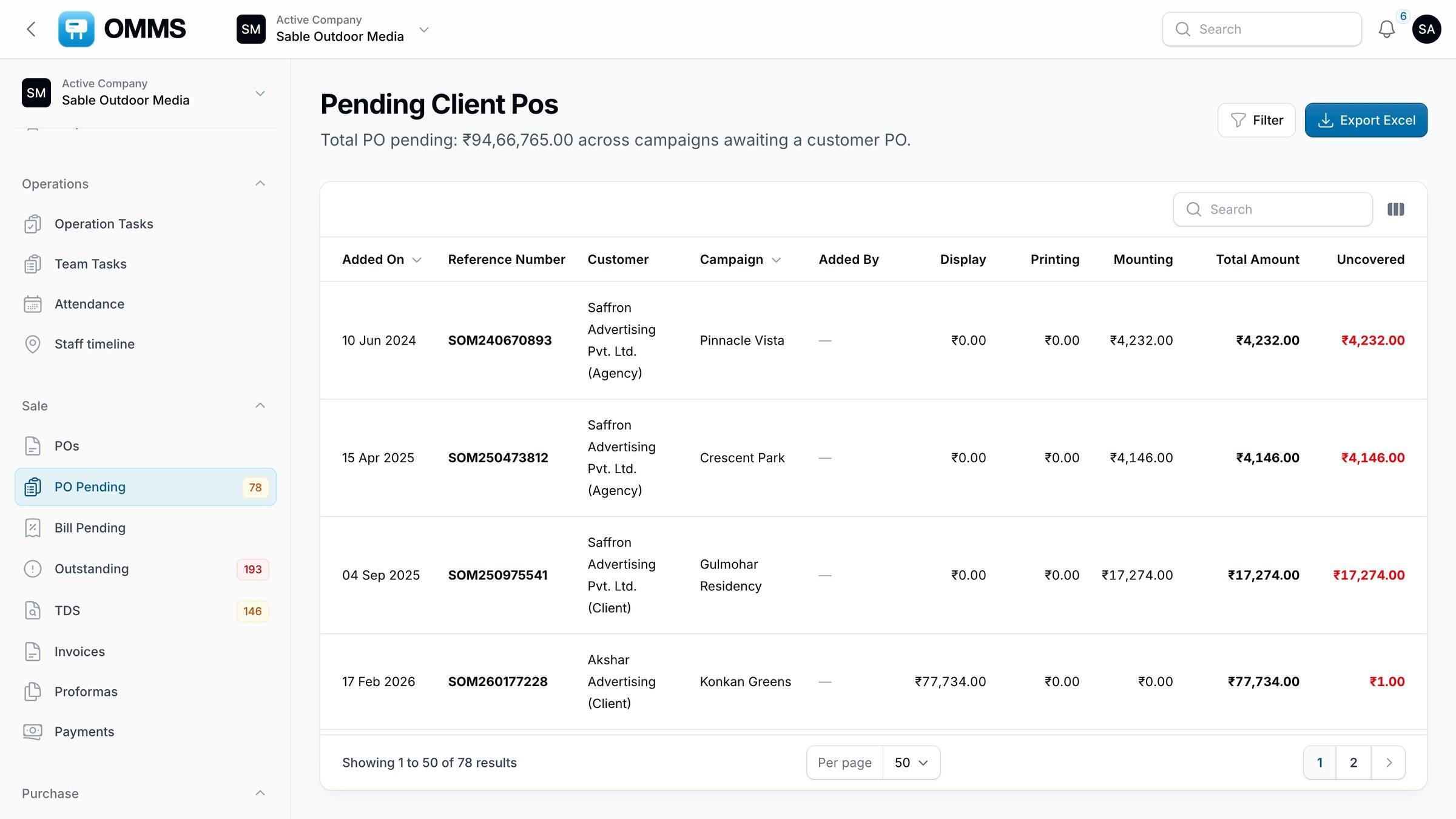
- OMMS · Outstanding
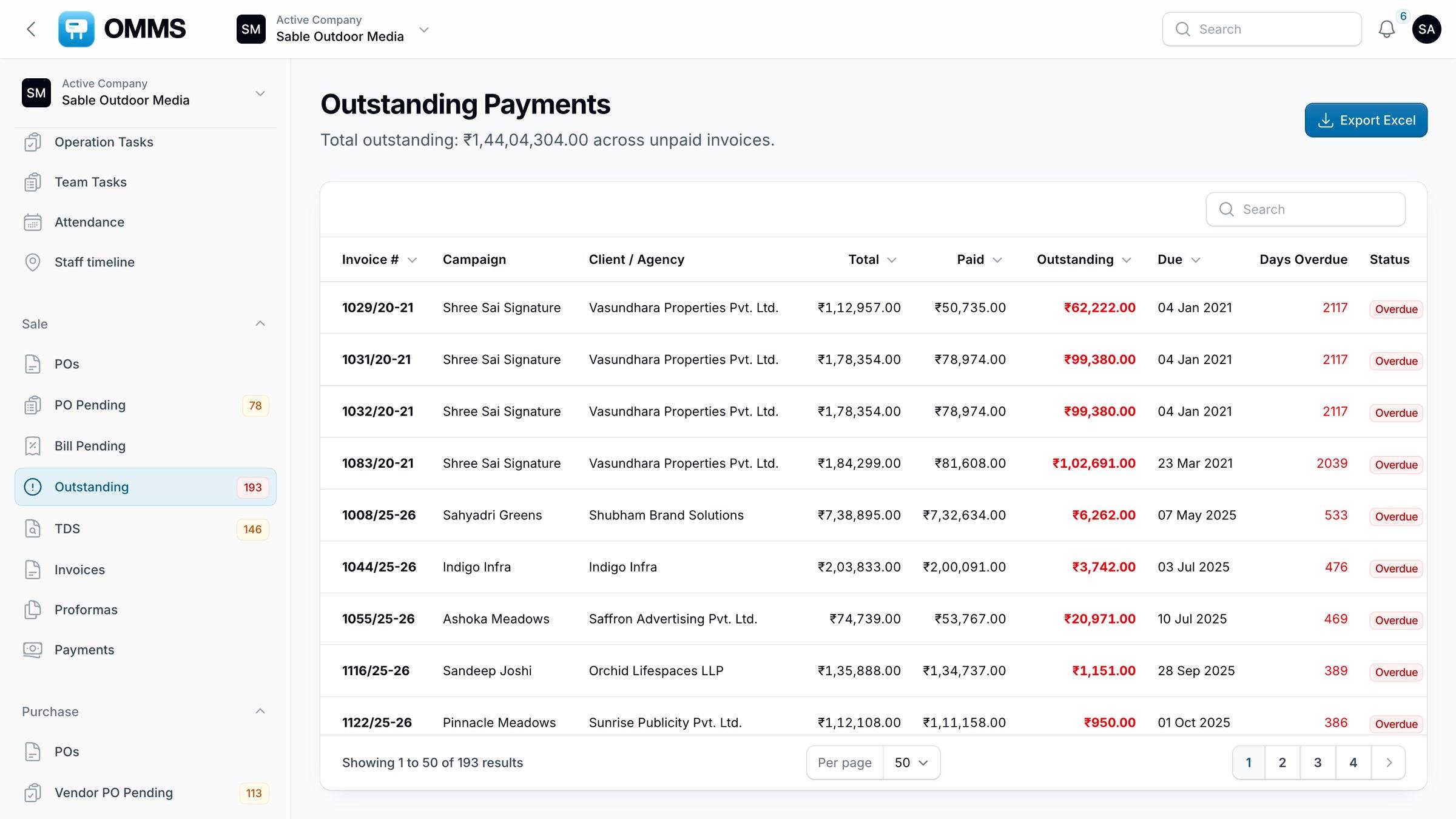
- OMMS · TDS
- OMMS · Vendor bills
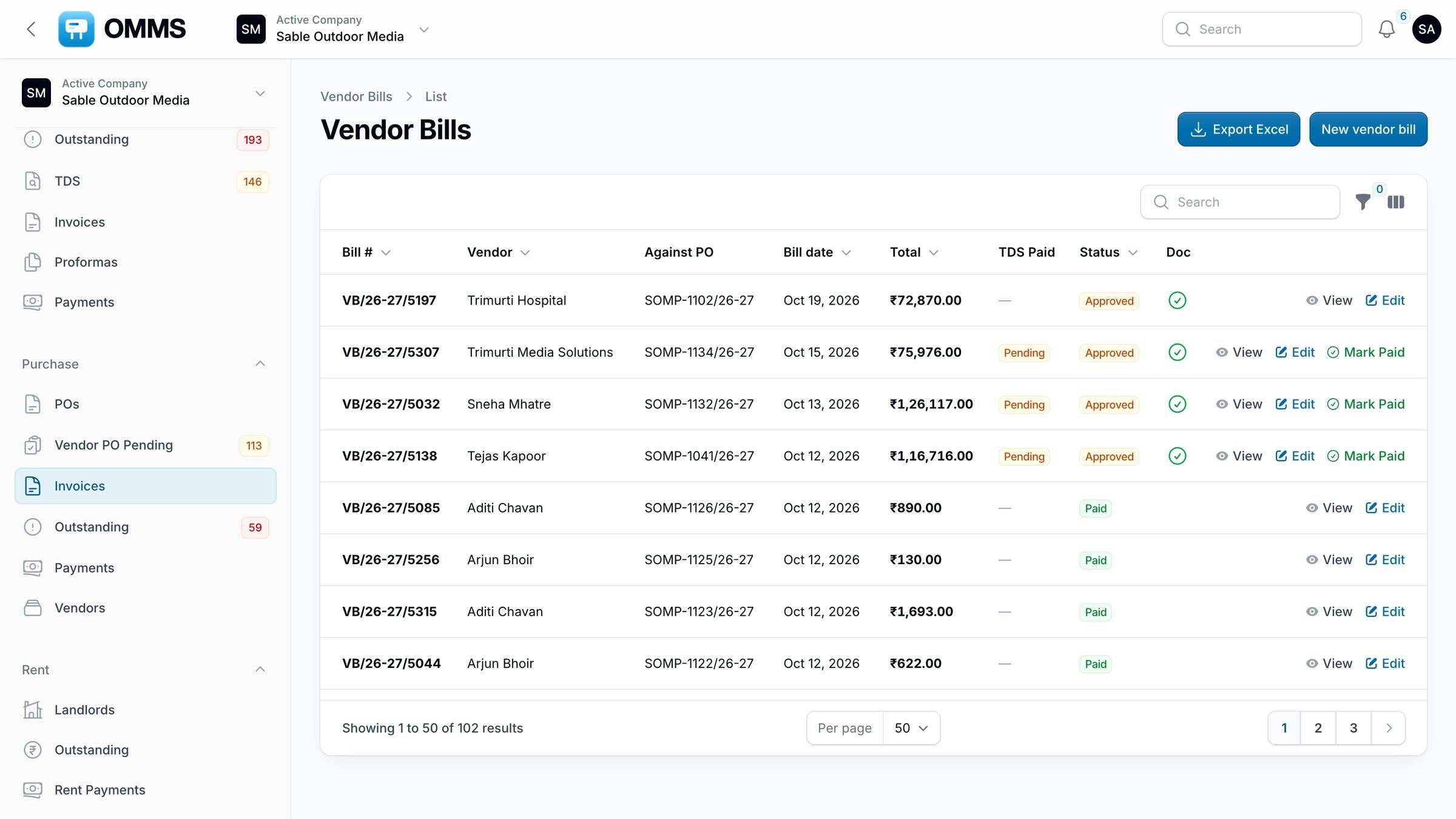
- OMMS · Rent
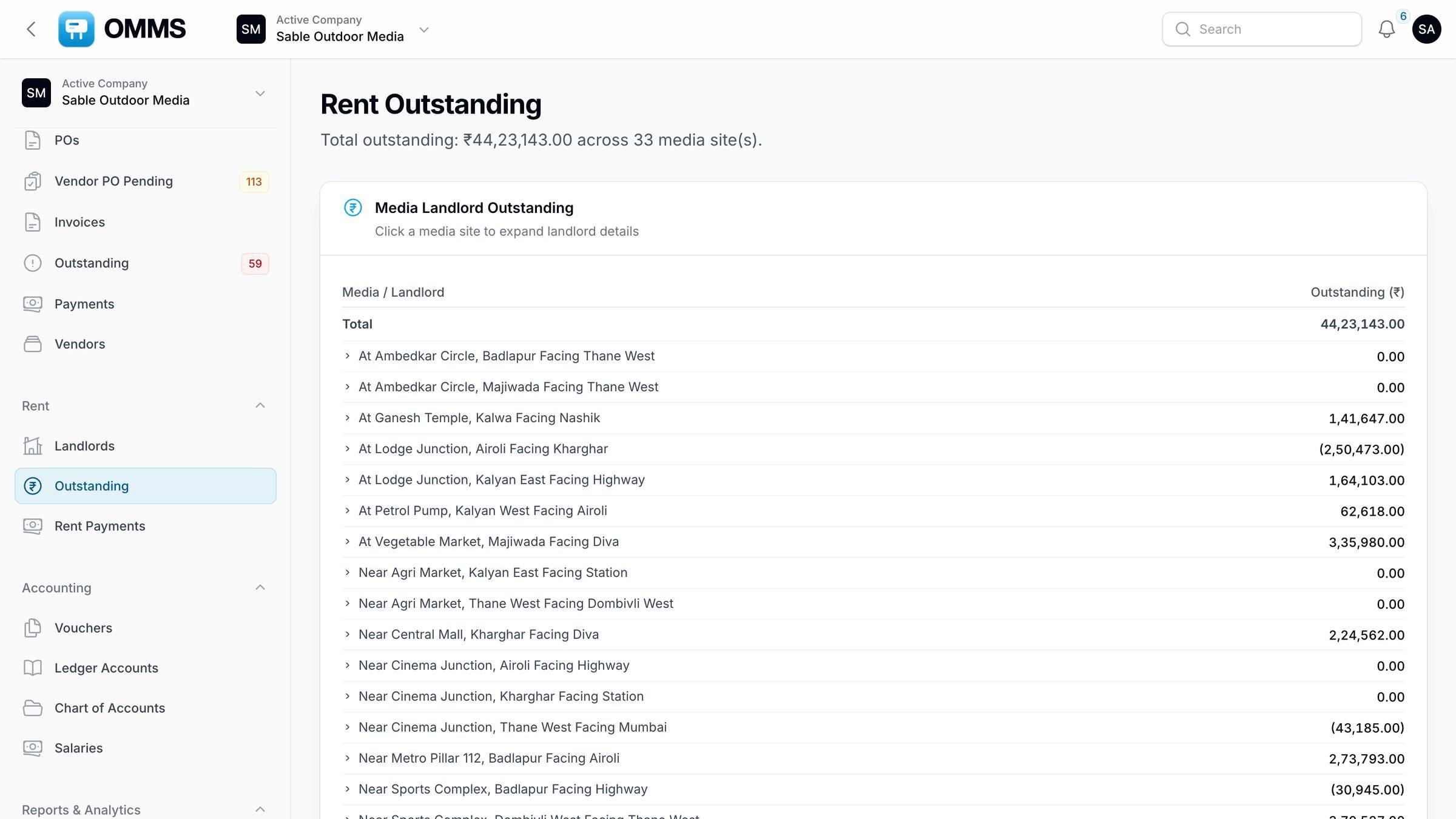
- OMMS · Operation Tasks
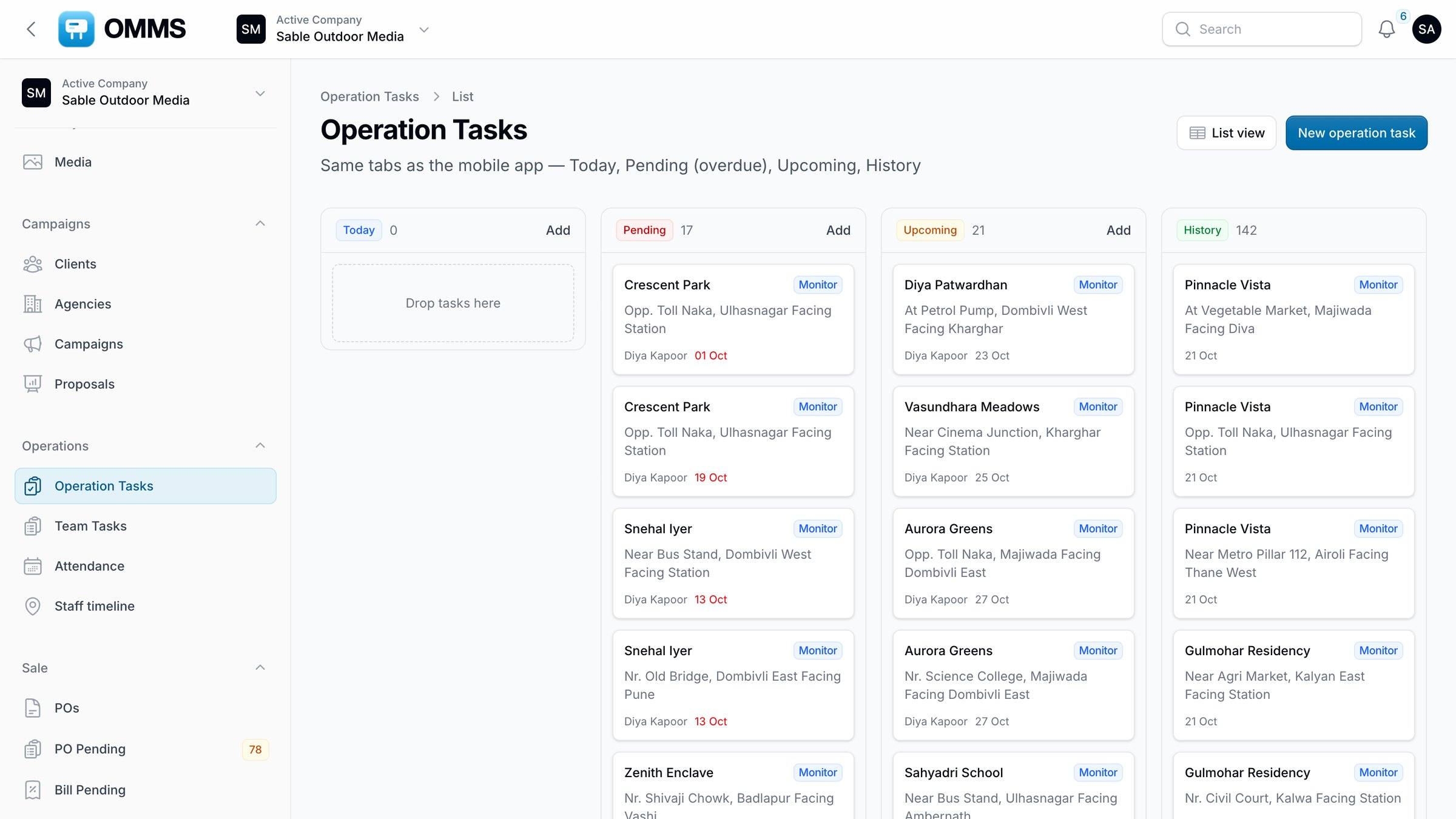
- OMMS · Staff timeline
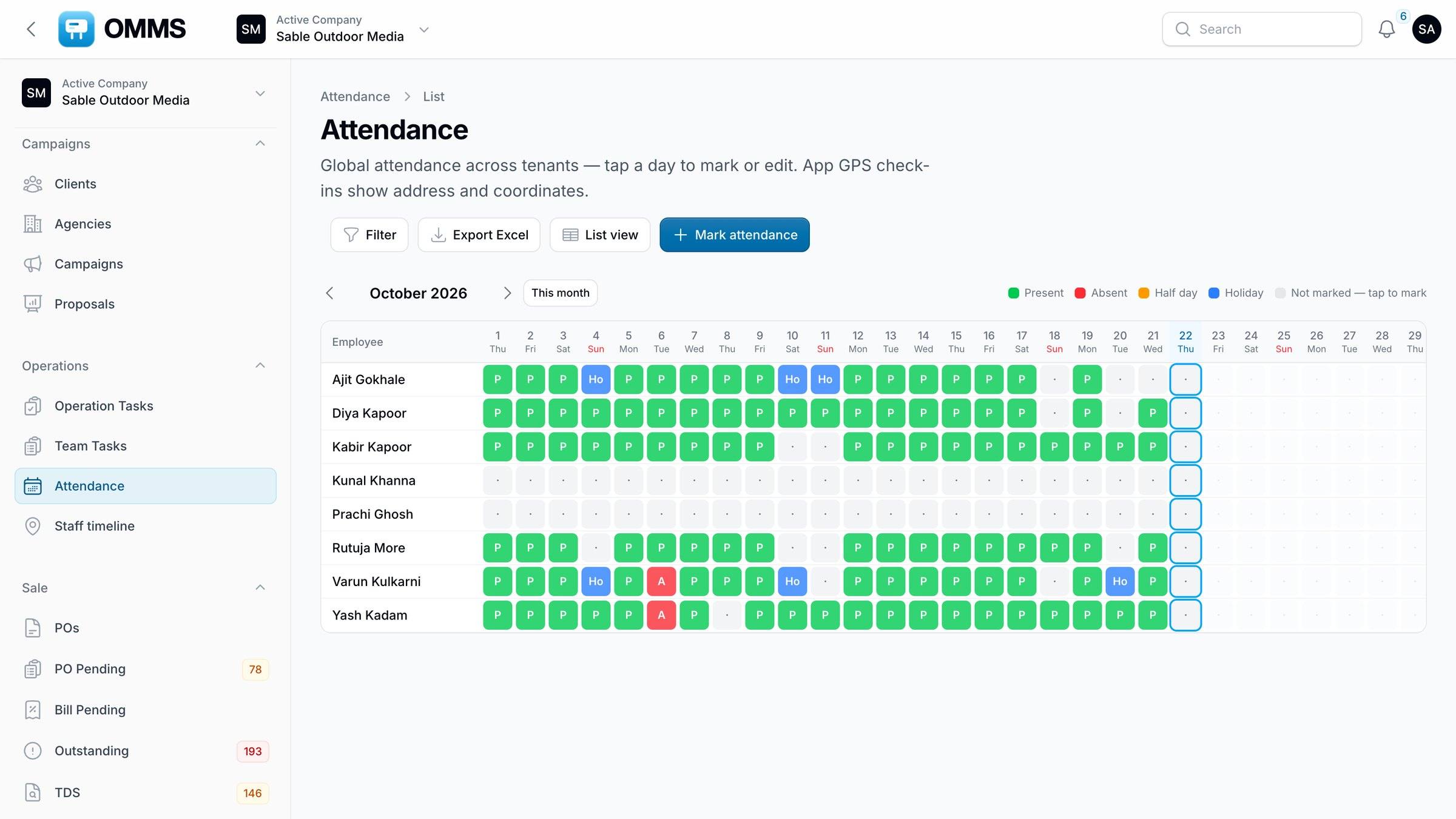
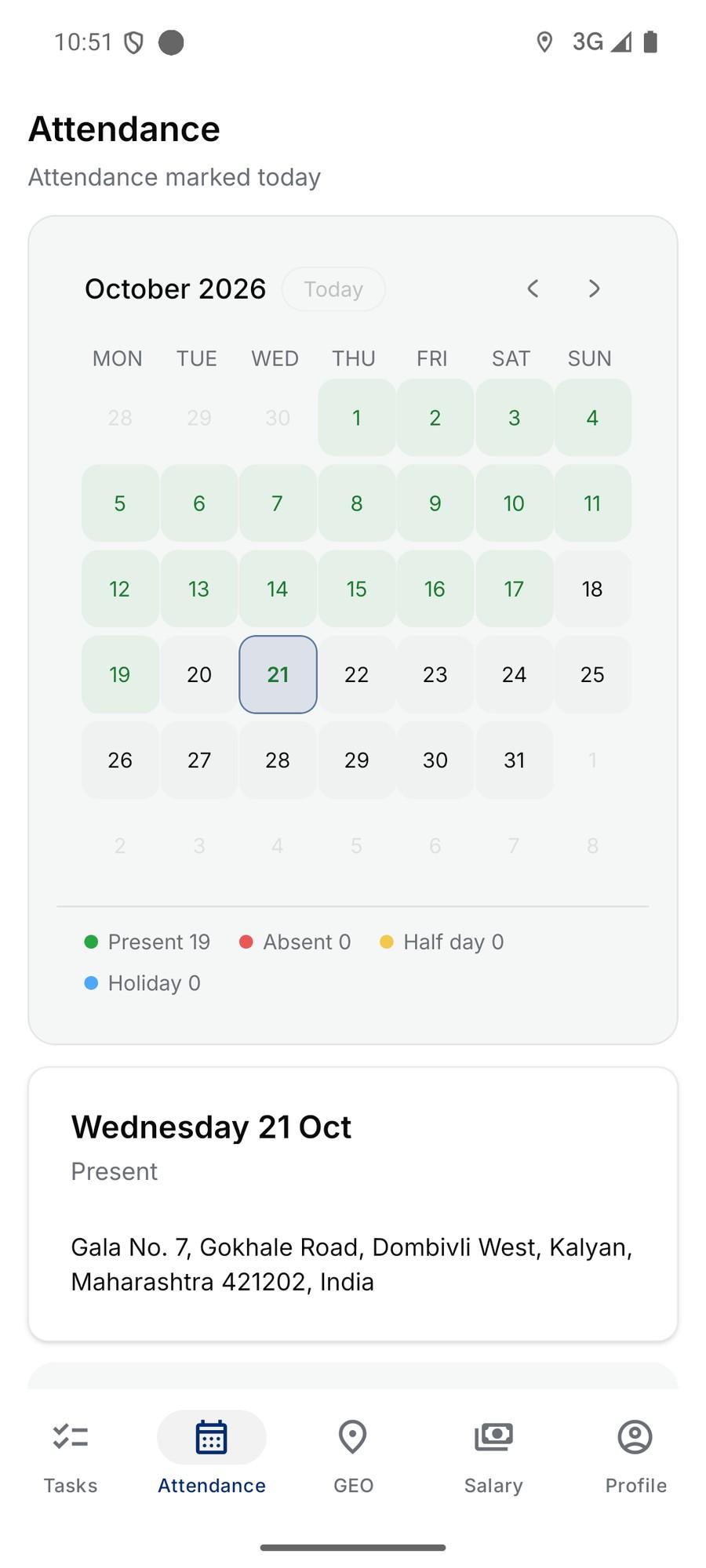
- OMMS · Attendance
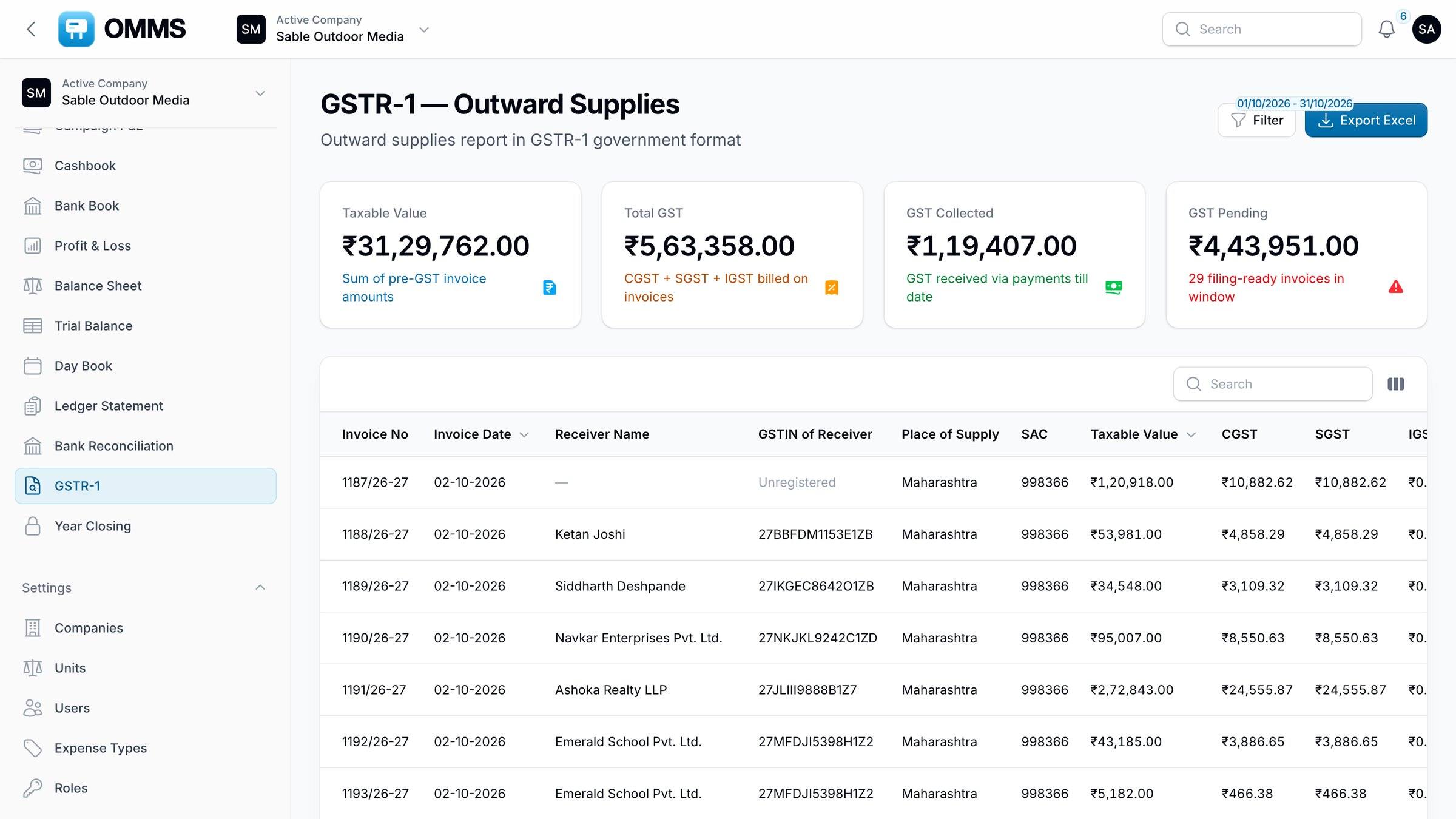
- OMMS · GSTR-1
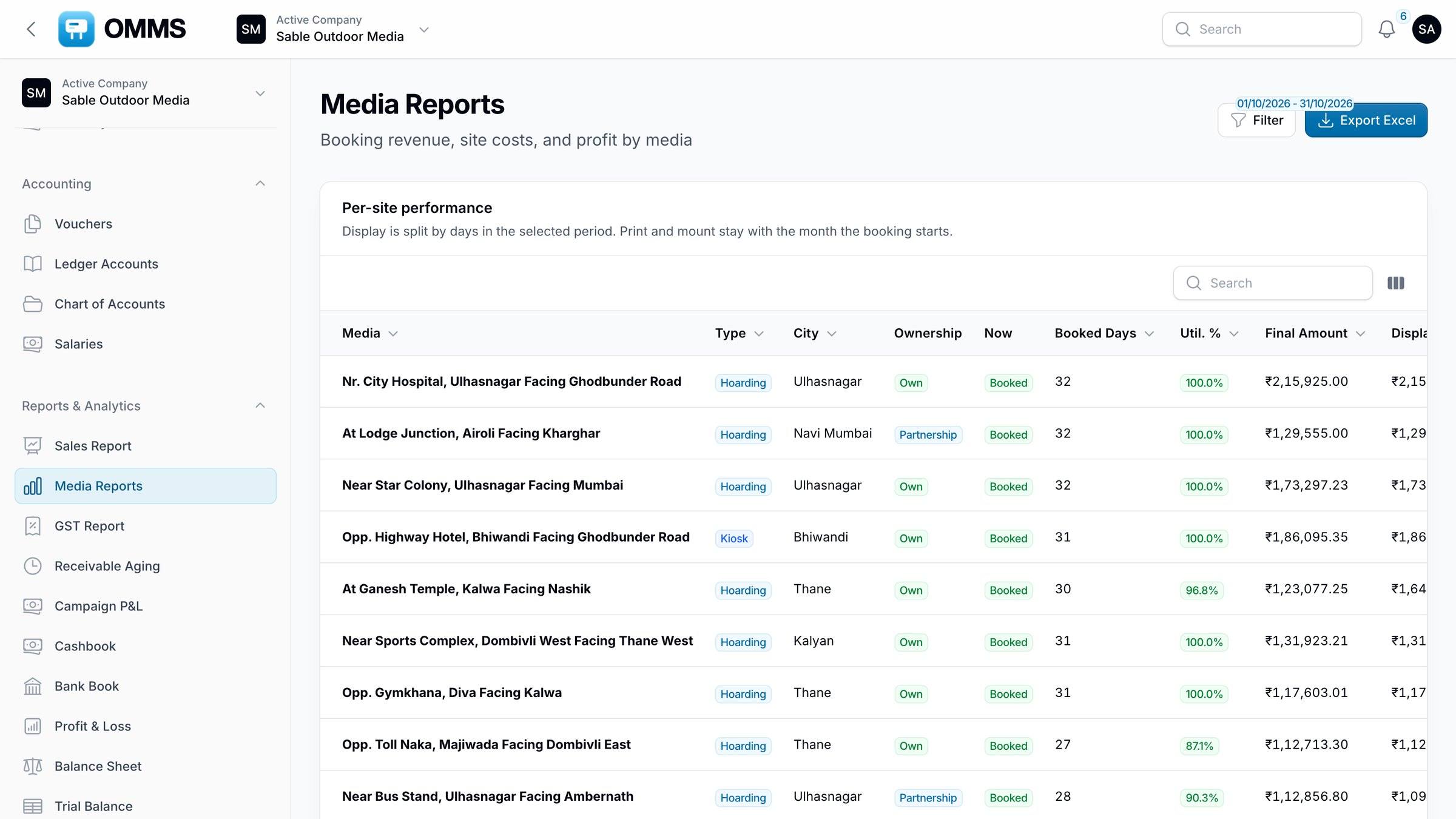
- OMMS · Media Reports
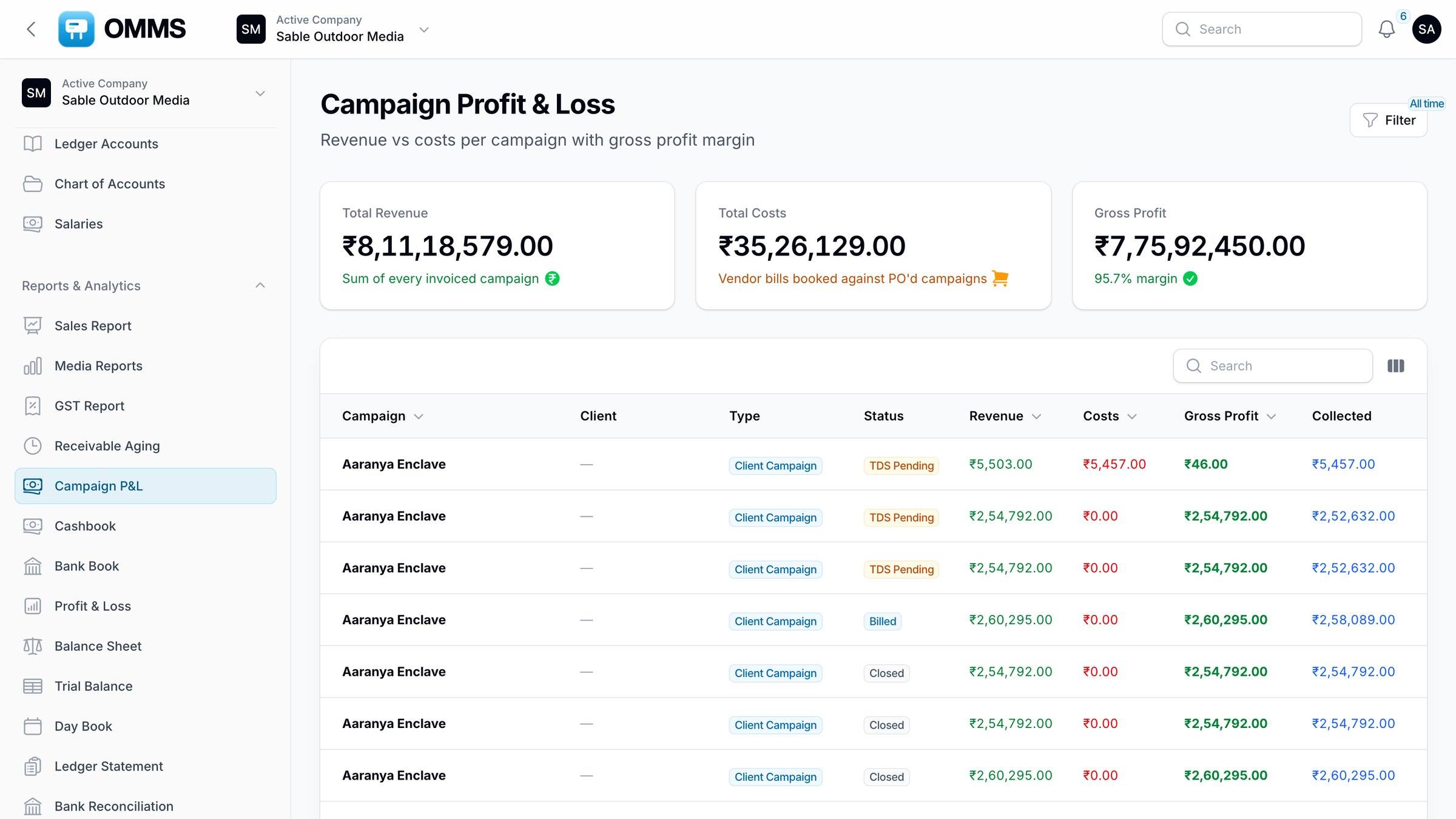
- OMMS · Campaign P&L
- OMMS · Client portal
Who it is for
Built for three kinds of outdoor media business
Hoarding owners
Keep sites booked, rent and licences paid, crews on time — and see which sites earn.
For hoarding ownersMedia agencies
Track both sides of every campaign — client PO and vendor PO — and the margin between them.
For agenciesGroups with several companies
Keep each company’s books separate, share sites between them, switch with one login.
Companies and rolesOne system
Every desk works from the same record
Sales, accounts, purchase and the field team see the same sites, campaigns and money — so nothing is typed twice or lost between teams.
Media inventory
Know what’s free before you promise it
Every hoarding, kiosk, LED screen and transit site with size, lighting, photos and an availability calendar.
Hoarding · Lit · Own
Opp. City Hospital, Thane West
Billing and GST
GST invoices from the booked sites
Lines come from the bookings: SAC, place of supply, CGST and SGST or IGST, and the total in words.
Sable Outdoor Media
Thane West, Maharashtra 400601
GSTIN 27ABHCS4821K1Z6
Tax invoice
No. 1216/26-27
21 Oct 2026 · Due 20 Nov
Bill to
Saffron Realty LLP
GSTIN 27AAKFS7713M1Z2
Place of supply
Maharashtra (27)
PO-41037/MUM · Riverdale Enclave
| Description | SAC | Qty | Amount ₹ |
|---|---|---|---|
| Display chargesOpp. City Hospital, Thane W · 40×20 · 18 Oct–16 Nov | 998366 | 30 days | 1,20,000 |
| Printing — flex800 sq ft @ ₹12 | 998366 | 800 | 9,600 |
| Mounting800 sq ft @ ₹5 | 998366 | 800 | 4,000 |
Rupees one lakh fifty-seven thousand six hundred forty-eight only
HDFC Bank · A/c 50200 4218 7731
IFSC HDFC0000123
For Sable Outdoor Media
Authorised signatory
Proposals
Shortlists that open on any phone
Pick sites, send Excel and PowerPoint, see when the client opens it.
Diwali shortlist — 12 sites, Thane & Kalyan
Collections
Four queues, nothing forgotten
PO pending, bill pending, outstanding and paid — for every campaign.
Collections
Riverdale Enclave · ₹1,57,648
- PO PendingWaiting for client PO78Riverdale
- Bill PendingPO in, not invoiced12Riverdale
- OutstandingInvoice sent, unpaid193Riverdale
- PaidMoney in the bank✓Riverdale
Purchase
Billed to the client, ordered from the vendor
Printing and mounting charged to clients show up until a vendor PO is raised.
Vendor PO Pending
billed, not orderedField operations
Crews, routes and proof — from the field
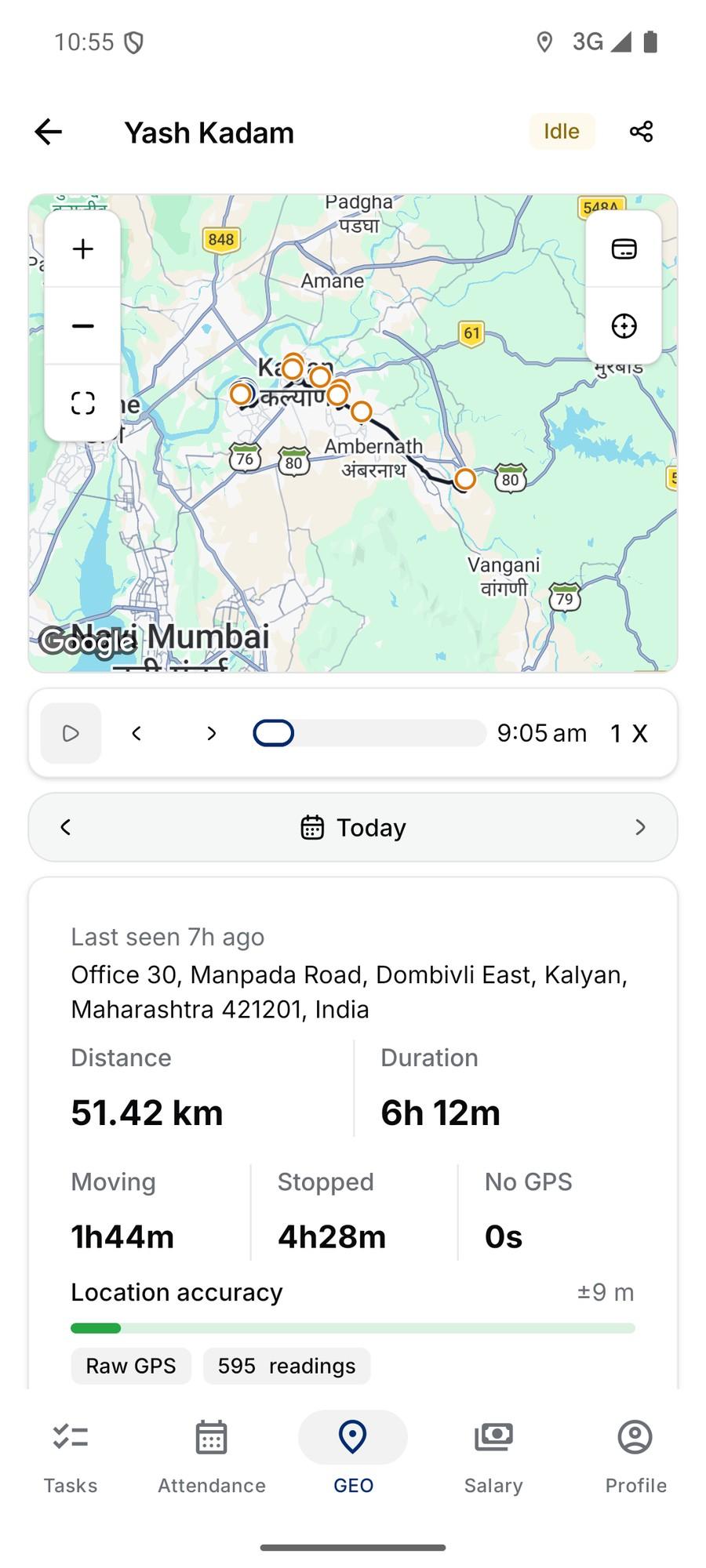
Tasks reach the app, photos come back with GPS, and managers see each person’s route.
- 9:05Dombivli East · Check-in
- 10:12Kalyan West · Mounting
- 11:02Kalyan East · Monitor
- 11:48Ulhasnagar · Monitor
- 13:10Ambernath · Mounting
- 14:22Badlapur · Monitor
Reports
Which sites actually earn
Sales split by display, printing and mounting, with GST collected and pending.
Sales Report · FY 2026-27
₹9.5 L +13% vs Sep
- Taxable
- ₹8.05 L
- GST collected
- ₹1.19 L
- GST pending
- ₹26 K
How a booking moves
From a free site to money in the bank
Each step is a screen in OMMS, and each one hands its data to the next.
- Step 01
Media
Check which sites are free for the dates the client wants.
Open Media - Step 02
Proposal
Send the shortlist as Excel and PowerPoint links.
Open Proposal - Step 03
Campaign
Book the sites; Monitor visits are scheduled from the dates.
Open Campaign - Step 04
Client PO
Record the PO; PO Pending shows what is still missing.
Open Client PO - Step 05
Invoice
Generate the GST invoice from the booked sites.
Open Invoice - Step 06
Collection
Record payment and TDS; the campaign closes.
Open Collection
Take the tour
The real screens, on demo data
Field app · Android
Your crews work from their phones
Today’s sitesMounting and monitoring tasks for the day, with each site’s location.
Proof on siteAt least two photos per task, each stamped with GPS coordinates.
Attendance and salaryGPS check-in, payslips and an end-of-day report.
GEOManagers see who is live and each person’s route for the day.
Indian billing
GST, GSTR-1 and TDS are part of the work, not an export
-
Tax invoicesYour GSTIN and the client’s, place of supply, IGST or CGST/SGST, PDF.
-
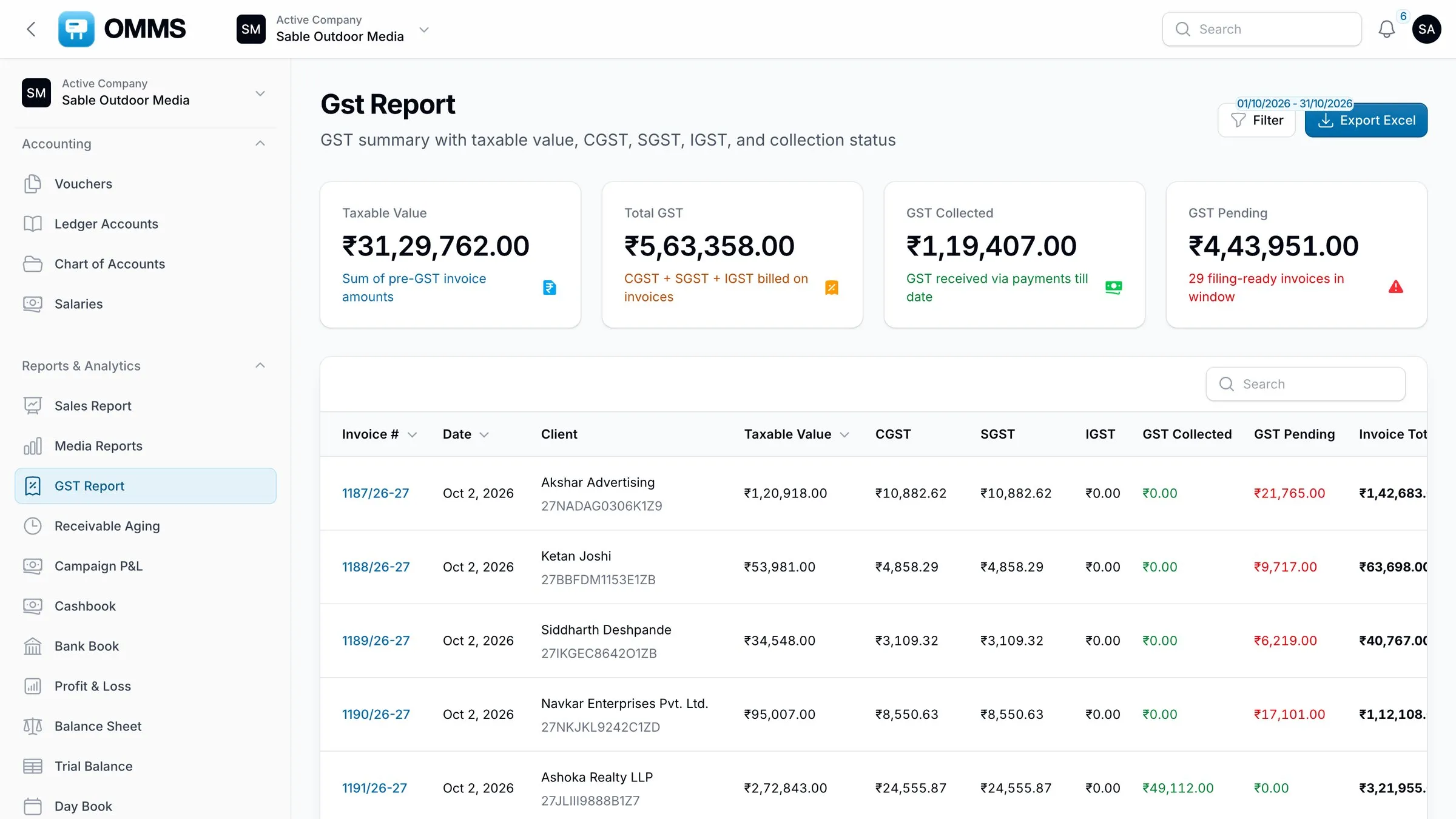
GST Report and GSTR-1Taxable value and tax by invoice; outward supplies with SAC 998366.
-
TDSDeducted by clients on payment, tracked until you mark it collected.
-
Financial-year numberingInvoice and PO numbers run per financial year; amounts round to the rupee.
Client portal
Clients check their own dues
Each client or agency sees only their campaigns, invoices and payments — and downloads their invoice PDFs.
Saffron Realty LLP
Client portal · only their data
- Outstanding
- ₹4.2 L
- Overdue
- ₹91.7 K
- Paid
- ₹17.3 L
- 1216/26-27Riverdale Enclave · ₹1,57,648 PDF
- 1209/26-27Kesar Park · ₹91,725 PDF
Notifications
Reminders on the channel people read
Payments due, campaigns and licences expiring, rent renewals and tasks — by app, email, WhatsApp or push.
Daily check · 11:00
₹91,725 overdue → reminders sent
- WhatsApp· nowInvoice 1209/26-27 · ₹91,725 is 12 days overdue.
- Email· nowPayment reminder sent to accounts@saffron.in
- Push· nowReminder delivered to Varun’s phone
- In-app· now1 overdue invoice needs follow-up
Sample documents
Download what OMMS actually sends
Real files made by OMMS from demo data — one campaign on four hoardings, from the proposal to the invoice, the vendor PO and the reports.
- PDF4 pages · 1.7 MB
GST tax invoice
Four hoardings on one campaign: GSTINs, place of supply, SAC, CGST and SGST, and bank details.
Download sample: GST tax invoice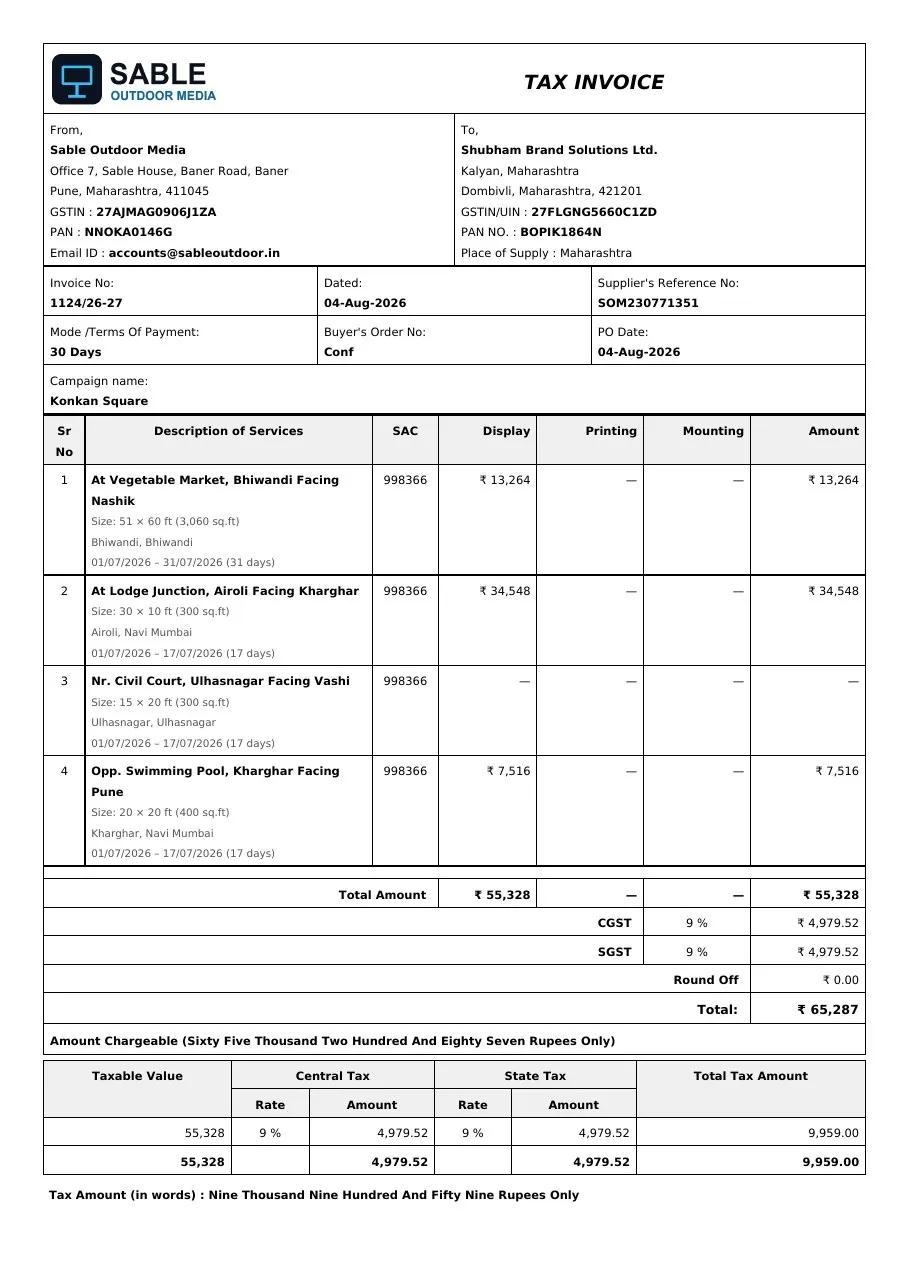
- PowerPoint6 slides · 0.2 MB
Site proposal
The PowerPoint a client receives: one slide per site with photo, size, lighting, price and availability.
Download sample: Site proposal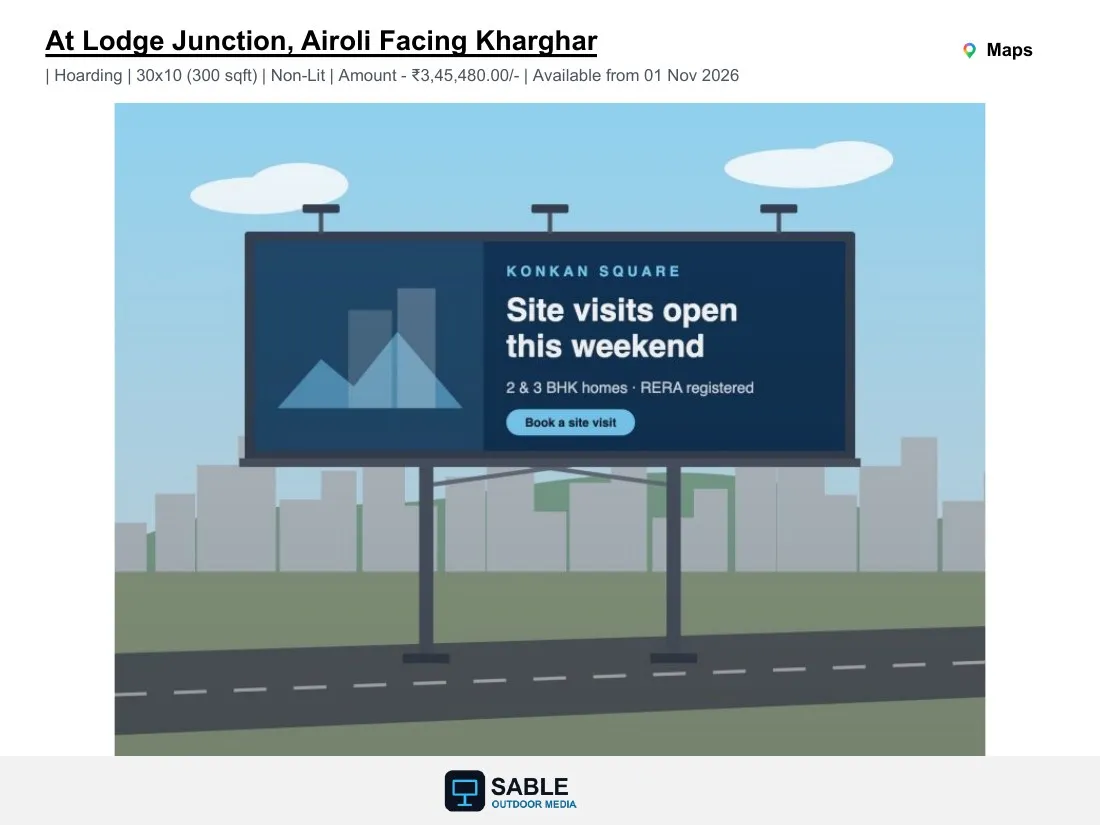
- PDF4 pages · 1.3 MB
Vendor purchase order
Work on four sites ordered from a vendor, with rates, totals and your terms.
Download sample: Vendor purchase order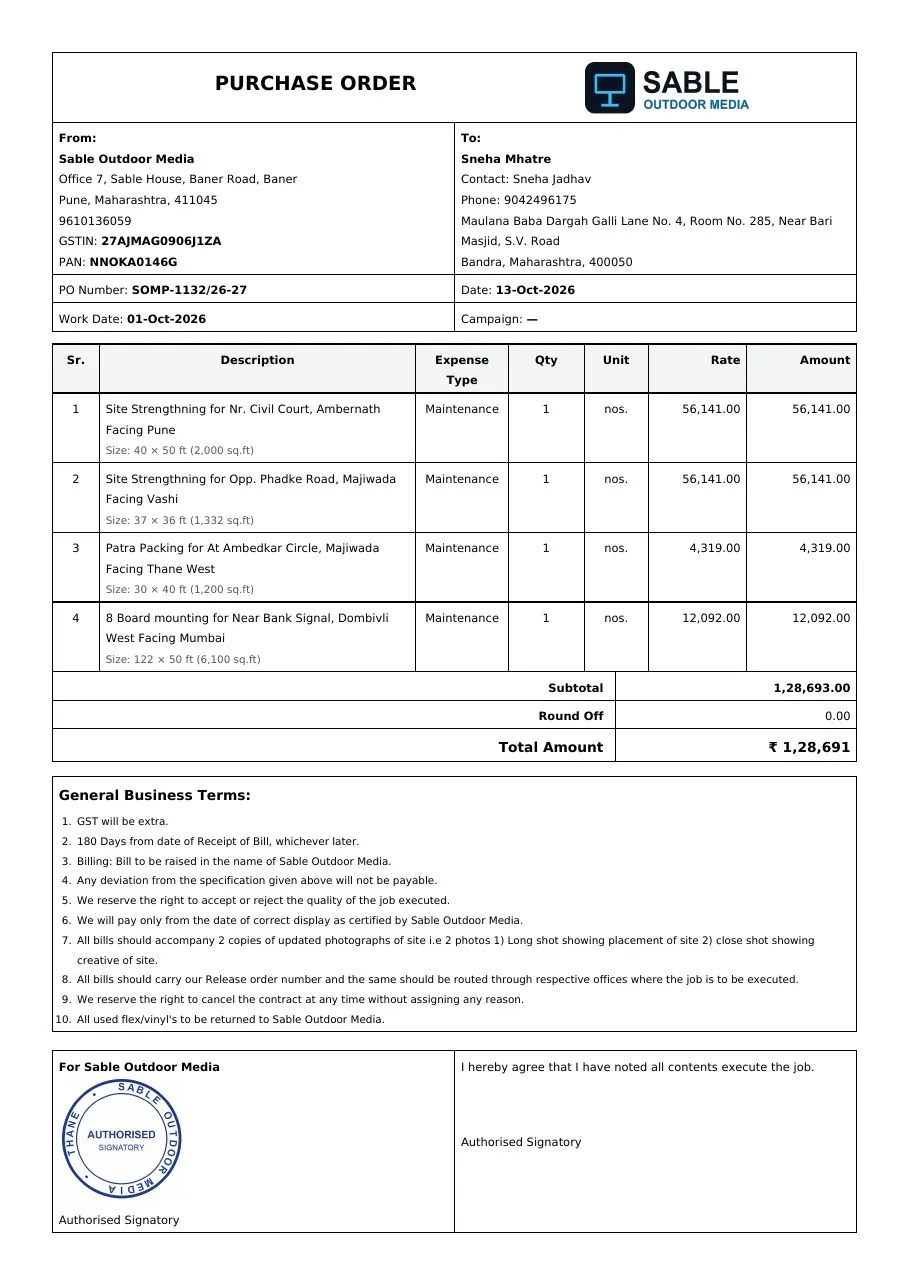
- PDF3 pages · 1.2 MB
Campaign release order
Client, dates and every booked site with its display, printing and mounting charges.
Download sample: Campaign release order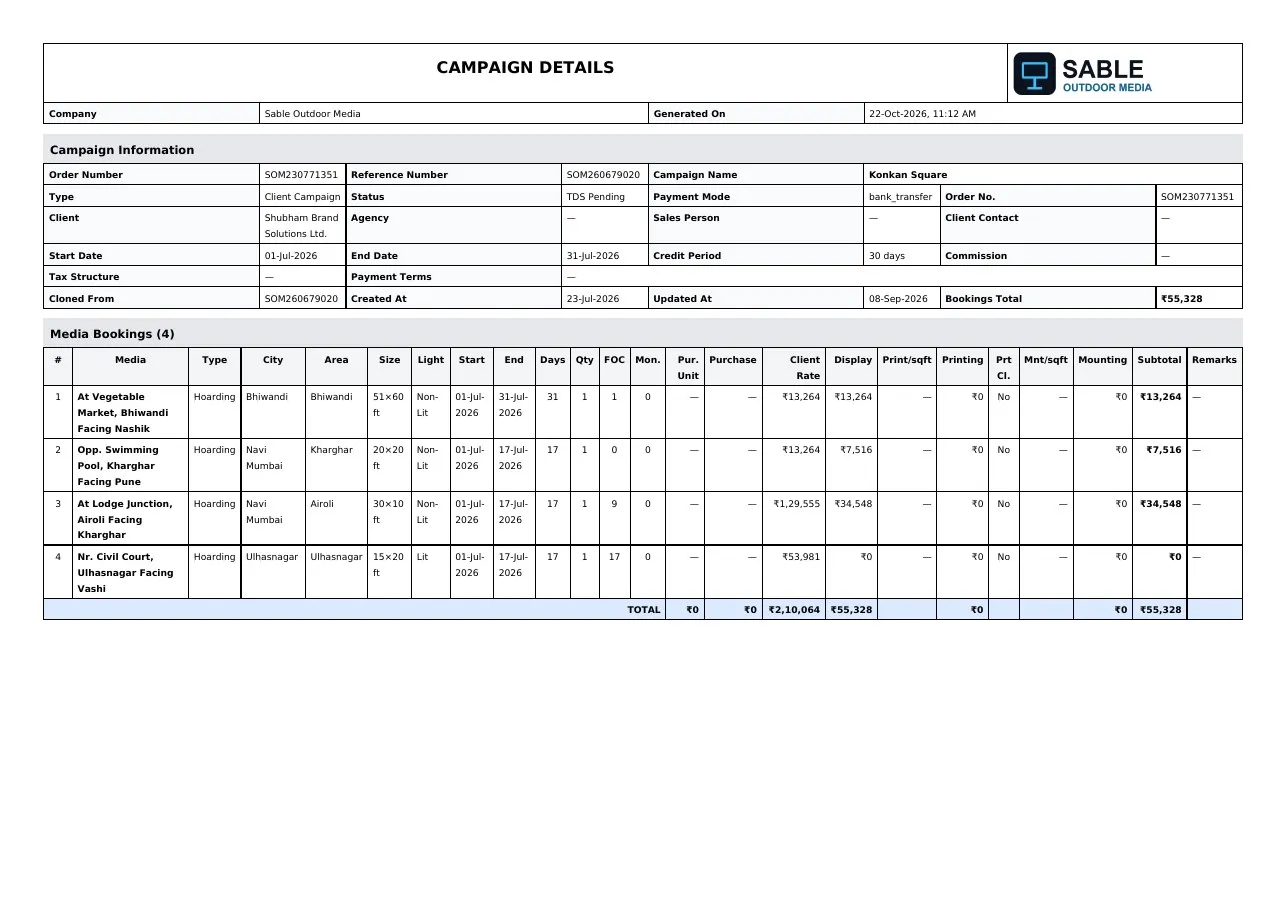
- PDF3 pages · 1.3 MB
Payment receipt
The receipt for the invoice: amount, GST, mode, reference and the bank it landed in.
Download sample: Payment receipt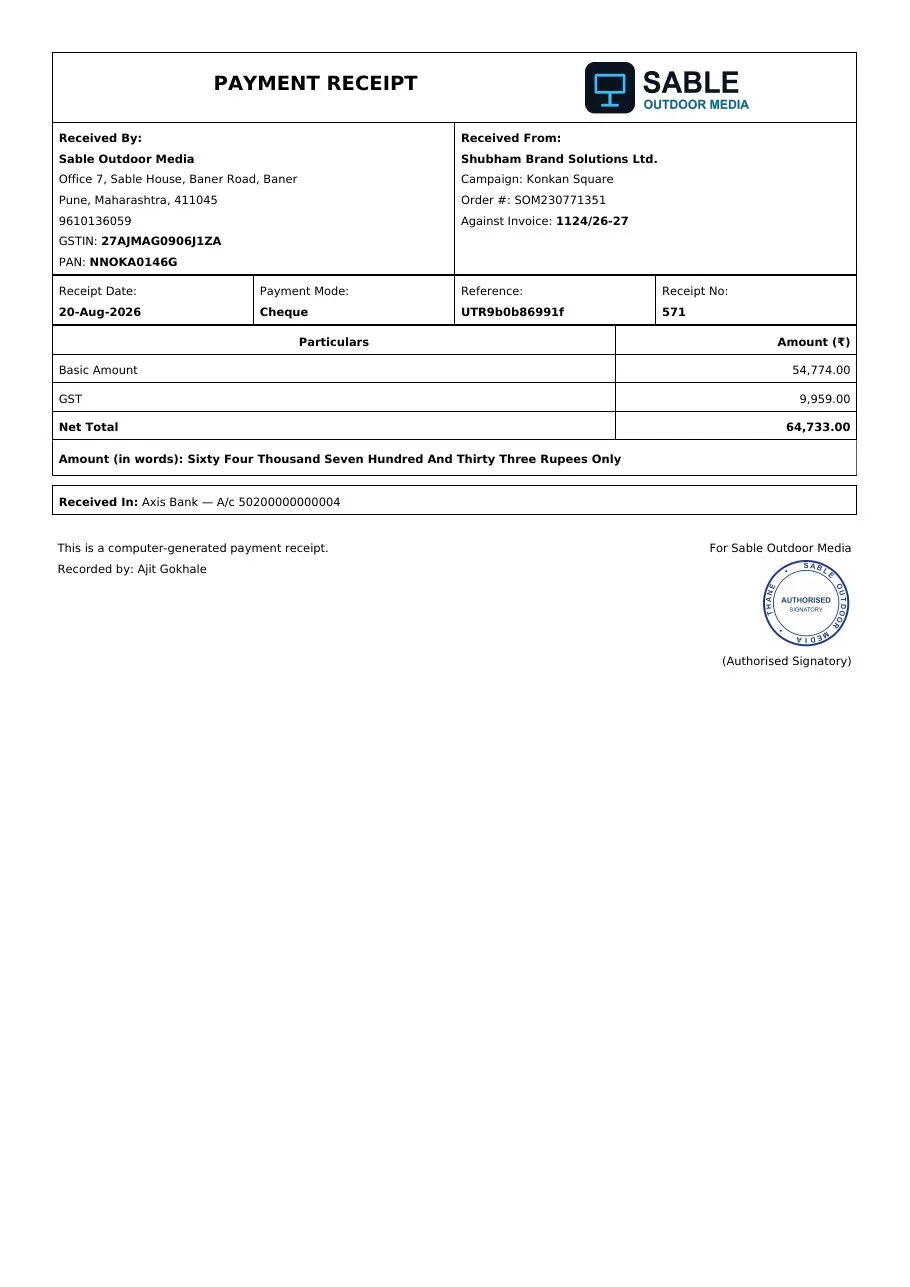
- Excel2 reports · .xlsx
GST and Sales reports
The exports your accountant asks for: GST invoice by invoice, and every campaign's cost split and billing.
All modules
Fourteen modules, grouped by the job they do
Sell
Bill and collect
Buy and rent
Run the field
Books and reports
What is OMMS?
OMMS, made by Buildnboost, is billboard and hoarding (OOH) management software for outdoor media companies in India. It keeps hoarding inventory, proposals, campaigns, GST billing, collections, vendor and landlord payments, field crews and accounts in one system, with a mobile app for crews and a portal for clients.
Who is OMMS for?
Hoarding owners, outdoor advertising agencies and groups that run several media companies. It suits teams that sell sites, bill clients under GST, pay printers, mounters and landlords, and send crews to the field.
Does OMMS work for Indian GST and TDS?
Yes. Invoices carry GSTINs, place of supply and IGST or CGST/SGST; the GST Report and GSTR-1 report summarise outward supplies; and TDS deducted by clients is tracked until you mark it collected.
Is there a mobile app for field staff?
Yes. The OMMS Android app shows each person’s mounting and monitoring tasks, takes proof photos and videos at the site, records GPS attendance, and shows salary and an end-of-day report.
Can clients log in to see their campaigns?
Yes. Each client or agency can get a portal login that shows only their own campaigns, invoices, payments and dues.
Can we run more than one company in OMMS?
Yes. A group can keep several companies in one OMMS account. People switch between the companies they belong to, and sites can be shared between companies.
See a booking go from free site to payment
A walkthrough on demo data: one site from proposal to collection, the field app, and the reports your accountant will ask for.