Control · Notifications
Alerts on app, email, WhatsApp and push
OMMS sends alerts through four channels — the in-app bell, email, WhatsApp and mobile push. Each person chooses which channels to use for each kind of alert.
Daily check · 11:00
₹91,725 overdue → reminders sent
- WhatsApp· nowInvoice 1209/26-27 · ₹91,725 is 12 days overdue.
- Email· nowPayment reminder sent to accounts@saffron.in
- Push· nowReminder delivered to Varun’s phone
- In-app· now1 overdue invoice needs follow-up
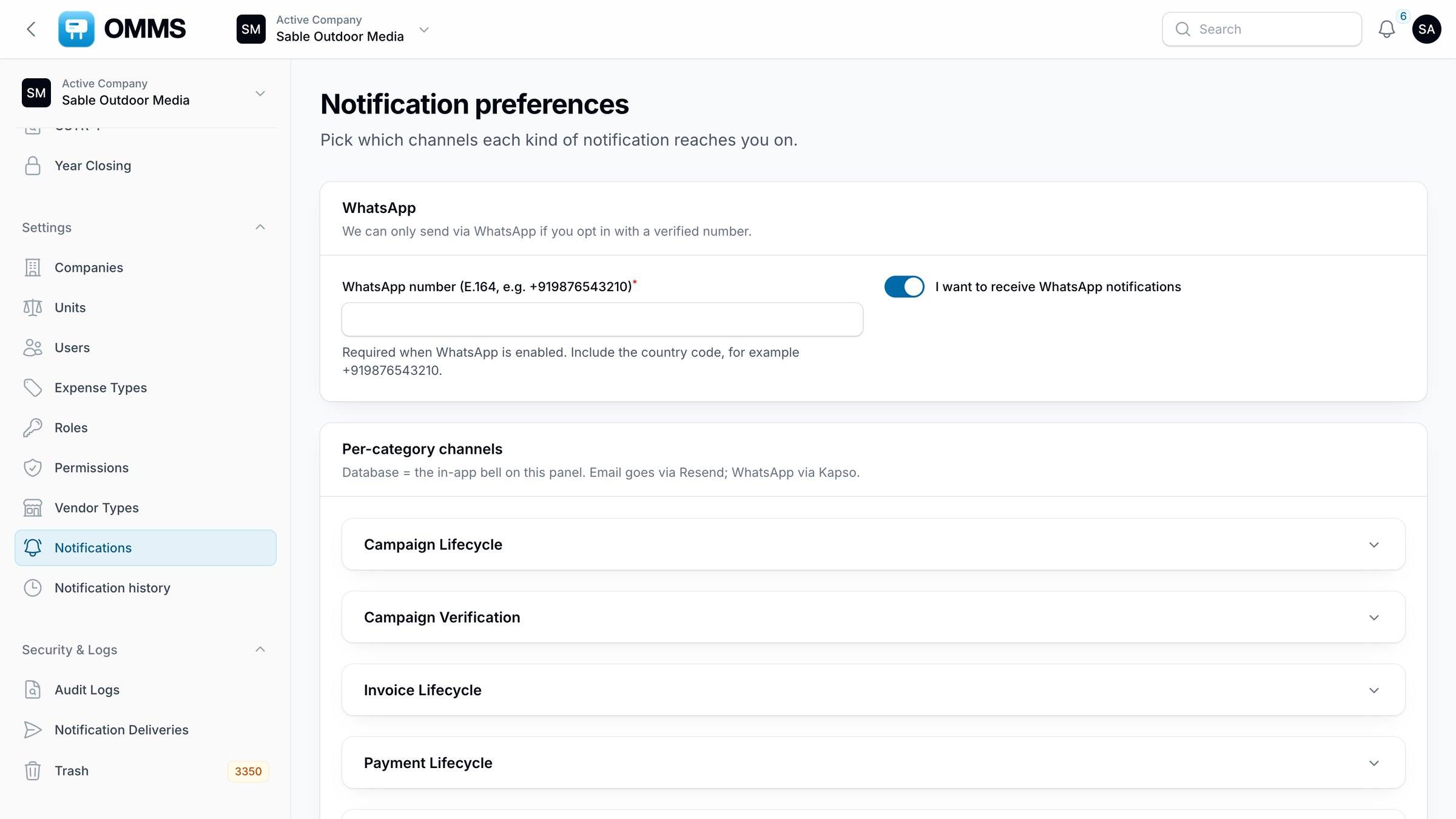
Notification preferences.
Capabilities
What can you do with notifications in OMMS?
Four channels
In-app bell, email, WhatsApp and mobile push.
Per-category choice
Each person picks channels for each kind of alert.
Daily reminders
Payment reminders, campaign and licence expiry, rent periods ending, tasks due today and birthdays.
Field alerts
Task assigned or updated, and staff going offline.
History
Notification history and a delivery log.
Step by step
How does it work?
- 1
Each person sets their channels in Notifications.
- 2
A daily job sends reminders that are due.
- 3
Field events send alerts as they happen.
FAQ
Questions about notifications
Can each person choose how they are alerted?
Yes. In Notifications, each person picks the channels — in-app, email, WhatsApp or push — for each kind of alert, such as payments, campaigns, tasks and rent. Notification history keeps a record of what was sent.
Does OMMS send WhatsApp reminders?
Yes, for people who opt in with a verified number. WhatsApp is used for payment reminders, invoices sent, campaign and licence expiry, rent period endings and task updates.
Works with
See a booking go from free site to payment
A walkthrough on demo data: one site from proposal to collection, the field app, and the reports your accountant will ask for.